The Return of Magic Online is a free MMORPG based on turn-based old school rpgs.The game presents nostalgic graphics like 16-bit games.It is up to be able to pick up a character and freely interact with other players connected in the same world.There are several classes avaiable, each one with it's unique skills and magic habilitiesThe battle system is up to a party of five, that way is possible for a more strategic gameplay.There's a world map system included with a perspective effect found on old rpgs. The game is still on alpha test, so many many changes will come soon.For people who love that good old rpgs.

[How to Play]: Please Read this carefully.
Sign Up: The Return of Magic Online is a standalone program, that means you will have to download it and install in order to play the game online
Check below the System Requirements for running The Return of Magic Online:
- CPU: 1.0Ghz , 256 MB RAM (Recommended 1.5+ Ghz, 512+ MB RAM)
- 20 Mb Harddisk space (Recommended 50MB)
- Windows 98,ME,2000,XP,Vista or 7
- an active internet connection.(A Broadband Connection Recommended)
Follow these steps and you'll be playing the game in a few minutes.
STEP 1: SIGN UP Click on the link SIGN UP and fill your personal and account information. Don't forget to fill any the required fields. After you successfully sign up, you will receive an email containing your account details and an activation link. Click the link to activate your account.
STEP 2: DOWNLOAD GAME CLIENT Go to DOWNLOAD page, and select the desired mirror for the game installer. Click in the link to start downloading the installer.
STEP 3: INSTALLATION Double-click installer, A screen will open showing initial information about the software who is about to be installed on your computer. Read the information carefully, then click 'Next >'.
You will be asked for a directory to install the game. If you wish to change the install directory, type your desired directory in the box, or simply browse it clicking the '...' button, when you're done, click 'Next >'.
In the next screen, just click 'Start' to install the game.
STEP 4: PLAY Shortcuts will be created for the game in the Start Menu and in your Windows Desktop. Just open the shortcuts to start playing The Return of Magic Online!
In-Game Instructions
Controls: You can move your characters using the keyboard arrows UP, DOWN, LEFT or RIGHT, or pointing the mouse and clicking with left button wherever you want to go. Actions: When you point the mouse arrow over some kind of objects, players or NPCs, the green marker will turns red. It indicates that an interaction is avaiable with that object, NPC or player. Just click with the right mouse button or double-click with the left mouse button for opening a list of interactions with the object.
Overweight: When you open your [ITEM] menu, you can look at the Item Capacity. That shows the maximum number of items you can carry on your character. If you trespass that number, a red alert with pop out in the screen stating "Overweight". It's very dangerous carrying overweight items, your character will greatly lose speed and defense, and if you die or logout, you're going to lose all the items overweighted. If you are in overweight, try saving space for new items discarding or using the items you already have.
If you have any difficulties or problems, contact us by mail: support@thereturnofmagic.com
Or access our forums: Thereturnofmagic.com
Copyright by NostalSoft, 2011. All Right Reserved.
Follow us on twitter, facebook and read our latest feeds.


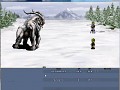
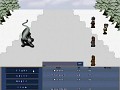
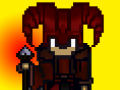


Articles
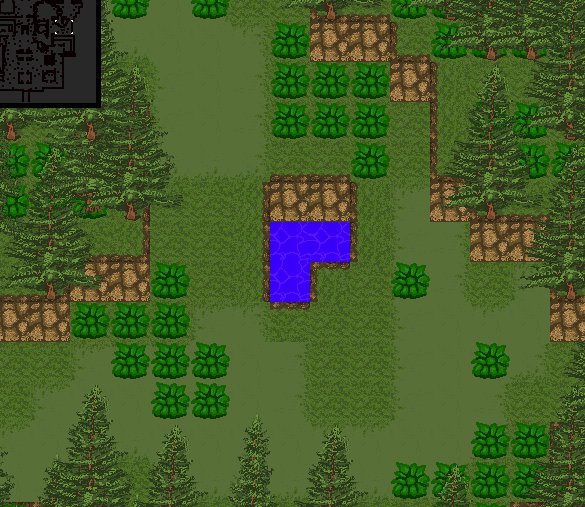
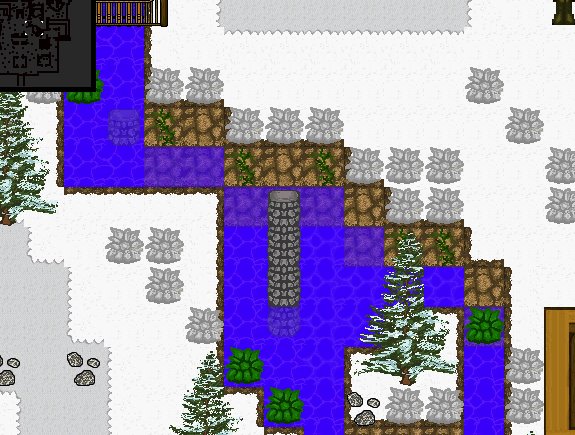
It's been a while since I posted the last updates. Yeah, I've been remaking some tilesets and map designs, so everything will look bright and better. I will be making new maps as forest and more catacombs. I will add more details to the maps and hopefully more effects! Do you like it? please comment and let me know your opinion! Thank you very much!
NEW OUTFITS:


NEW TILESET AND MAPS:
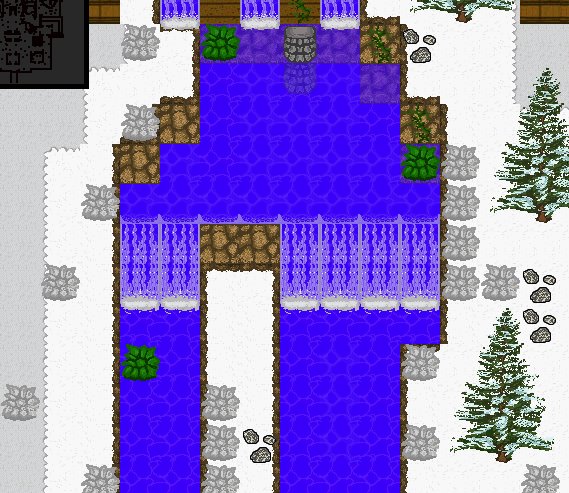

DO YOU LIKE IT? PLEASE LEAVE A COMMENT! :)
TROMO 1.27a version released.
NewsNew version 1.27a is finally released! This new version presents the brand new PvP system, new bosses, items, and the Xirtan Coins system.
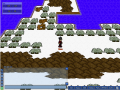
TROMO New Game Version 1.0.25a
NewsFinally we are launching the new game version 1.0.25a, check out what has changed.
TROMO New Teaser Video and Development Info
News 1 commentThis is the video for our alpha test teaser. There
Files

The Return of Magic Online Installer
Full VersionThis is the installer for the game client. It is required registration in the official game website for logging in, it also may require some additional...
Post a comment
Profile
Icon

Platforms
WindowsDeveloper
NostalSoftEngine
Multimedia FusionContact
Send MessageHomepage
Thereturnofmagic.comRelease date
Game watch
Follow
X
Tags
Embed Buttons
Link to The Return of Magic Online by selecting a button and using the embed code provided more...


You may also like

NinjaPVP
Adventure

MyWorld: Cerria
Adventure
Gekkeiju Online: The Beginning
Adventure
Oort Online
Adventure
Tyras
Adventure

SideQuest
Adventure
really neat, id suggest working harder on your sprites.. looks like u ripped them from some where since they dont match each other.
Nope, they're all self made. But thanks for the tip :)
Whys it called TROM, when its The Return of Magic Online, it needs to be TROMO, or TRMO.
It's TROMO now. I think is better this way.