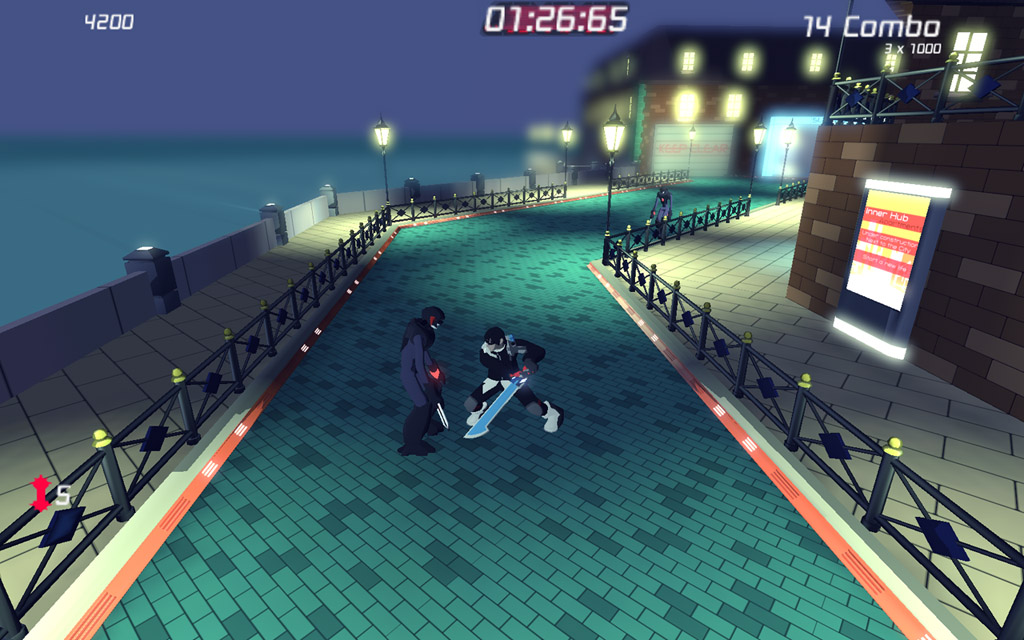
Noontide is a high-speed Hack'n'Slash in a similar spirit to Devil May Cry. Noontide’s core mechanics revolve around the MODE system, which stands for Mobile Offensive Defensive Elucidating system.
Description
Noontide's Phase 3 submission for the Make Something Unreal Contest Don't forget to read the Instructions otherwise you'll miss out on some of the fancy features =)
Preview
Post a comment
Profile
Icon

Game
Unreal Tournament 3Developer
team NoontideContact
Send MessageRelease date
Mod watch
Follow
Related Mods

Related Games

Unreal Tournament 3
First Person Shooter
Related Groups

team Noontide
Developer
Tags
In the my documents folder where you have to put in the moontide folder
you say to put it in published and then in the cookedpc
but instead of published i have unpublished i tried putting it in there but it didnt work,
Help is appreciated.