Gamieon
Christopher joined
Gamieon is a one-developer part-time studio focused on creating video games for the desktop and mobile platforms. Since 2010 Gamieon has developed and released six games as well as six more prototypes. Including beta distributions, Gamieon's products have netted a combined 300,000 downloads! Below this bio are images from all my games and prototypes. Check them out and don't forget to follow me on Twitter @[Gamieon](members:gamieon:321769)
My Blogs (0 - 10 of 82)
I've posted a lot of news and articles about projects I've worked on, but almost never about the big picture and where Gamieon is going. I figure since we're near the end of another amazing year, I'd do just that.
First to set the table: I actually work in medical software development full time. Any game development I do on projects is in the spare time that I choose to piece together.
2016
My goals in 2016 were to shore up all of Gamieon's existing releases; specfically Hyperspace Pinball, Tiltz. and Hamster Chase which haven't been updated on mobile markets in forever. The mobile versions of the first two projects got major facelifts, and Hamster Chase just had some back end updates. All were updated or re-released onto the App Store and Google Play. It doesn't sound like much, but that took up a great deal of time this year. All in all I met my goals.
As far as income; well, I made a few dollars here and there from mostly Hyperspace Pinball Steam sales...nowhere near enough to maintain a studio full time. That was never really my focus, but I'd like to ultimately earn back everything I spent on game development someday. At the current income rate, that would be decades away assuming I never spend a dollar on game development again.
I also dipped into more Paper Cowboys / Texas Bounty and Field of Heroes development a bit. Texas Bounty, a 2.5D online scroller, seemed to have the greatest interest of people monitoring Gamieon given it's excellent prototype art and feature set. Field of Heroes, an online Soccer MOBA, would have remained untouched had I not witnessed another developer make a small network game in just one month and have it go viral. I started rapidly prototyping it in Unity in October and I'm still working on it at the time of this writing. I hope to have it online and playable as a prototype by Christmas to see if it's a viable game for Steam.
I'm more socially connected than I was last year, too. I visited GDC 2016 to meet some friends and just see first hand what all is going on in the game development world. I also joined a Discord channel with lots of Indie developers and we talk daily. Before Discord I briefly used Google Hangouts; and before that, an IRC channel that was quiet 95% of the time. My Twitter follower list also passed the 500 mark.
2017
So what's in store for next year? If Field of Heroes gets a positive response, I'd like to find a studio to collaborate with and finish it as a Steam game. I may do the same with Texas Bounty.
Beyond that I have no plans. I'm making more personal time for non-game-development hobbies now; I don't want to miss out on other things the world has to offer :)
Check out my homepage and social feeds


And my projects!


Recently I downloaded MagicaVoxel which lets you create and modify blocky objects, and bought PicaVoxel which lets you import them into Unity3D projects. The purpose was twofold: to help my friend Highsight develop his first game, and to have access to powerful tools in case I ever wanted to make a voxel art game.
Highsight claimed difficulties with Rigidbody objects flying through the imported voxel objects. Upon looking at how the MeshColliders were built for the voxel objects, I guessed that the issue was with the fact the colliders were paper thin. Seeing that all of the voxel faces were one-sided, I figured that the best way to handle the issue was to create a BoxCollider behind every face.
The script below, when attached to a voxel object, will iterate through all Chunk objects and generate bounding boxes for them on simulation startup:
(Click here to just download it)
using UnityEngine;
using System.Collections;
using PicaVoxel;

/// <summary>
/// Attach this script to a voxel object to generate box colliders for all the chunks therein
/// when the game or simulation begins. The advantage of this over using existing mesh colliders
/// is that these colliders have depth and are therefore less prone to objects going through or
/// other weird collision behavior happening
/// </summary>
public class PicaBoxColliderGenerator : MonoBehaviour
{
    /// <summary>
    /// The thickness of a box collider. Would be nice to auto-calculate this someday
    /// </summary>
    public float thickness = 0.1f;

    /// <summary>
    /// True if the box colliders should be static
    /// </summary>
    public bool staticColliders = false;

	// Use this for initialization
	void Start ()
    {
        GenerateBoxColliders();
	}

    /// <summary>
    /// Generates box colliders for all child chunks of this object
    /// </summary>
    void GenerateBoxColliders()
    {
        foreach (Chunk c in gameObject.GetComponentsInChildren<Chunk>())
        {
            GenerateBoxColliders(c);
        }
    }

    /// <summary>
    /// Generates box colliders for a single child chunk of this object
    /// </summary>
    /// <param name="chunk">The chunk</param>
    void GenerateBoxColliders(Chunk chunk)
    {
        // MAJOR ASSUMPTION: The object is not static (or else mesh optimization occurs and you'll get an error getting the mesh)

        // First get the mesh information
        MeshFilter meshFilter = chunk.gameObject.GetComponent<MeshFilter>();
        Mesh mesh = meshFilter.sharedMesh;

        // MAJOR ASSUMPTION: Each pair of triangles is a rectangle

        // Now do for all rectangles
        for (int i = 0; i < mesh.triangles.Length; i += 6)
        {
            // Get the vertices of one of the triangles that make this rectangle
            //
            // v2 ------- v1
            //  |          |
            //  |          |
            // v3 -------  *
            //
            Vector3 v1 = mesh.vertices[mesh.triangles[i]];
            Vector3 v2 = mesh.vertices[mesh.triangles[i + 1]];
            Vector3 v3 = mesh.vertices[mesh.triangles[i + 2]];

            // Get the two sides of the triangle which also make up two edges of the rectangle
            // connected by the same vertex (v2)
            Vector3 a = v1 - v2;
            Vector3 b = v3 - v2;

            // Get the normalized vector of the rectangle facing inward
            Vector3 n = Vector3.Cross(a.normalized, b.normalized);

            // Get the center of the rectangle by calculating the midpoint of two diagonally opposing points
            Vector3 c = (v1 + v3) * 0.5f;

            // Create an empty object at the center of the rectangle and make it a child of the chunk
            GameObject go = new GameObject("ChunkBoxCollider");
            go.transform.SetParent(chunk.transform);

            // Position the object such that when we eventually add the collider, the "outermost" face of the collider
            // will be in the same plane as the rectangle
            go.transform.localPosition = c + n * thickness * 0.5f;

            // The object should always be facing the rectangle. This is so when we size the box collider,
            // we can be sure of the role that each axe has. Keep in mind that LookAt deals in world coordinates
            // so we need to adjust for the chunk's world rotation
            go.transform.LookAt(go.transform.position + chunk.transform.rotation * n, chunk.transform.rotation * b.normalized);

            // Now create the box collider
            BoxCollider boxCollider = go.AddComponent<BoxCollider>();

            // Size the box collider
            boxCollider.size = new Vector3(a.magnitude, b.magnitude, thickness);

            // Make the collider static if desired
            go.isStatic = staticColliders;
        }
    }
}
The script has two properties
- thickness: How thick the colliders should be (0.4 works well)
- staticColliders: If true, all the colliders will be static
Keep in mind that if your voxel object is static, the script will have problems accessing the mesh data. You can address this by making the object not static.
Because of the time it takes to generate the BoxColliders, you may want to consider writing an Editor script based on PicaBoxColliderGenerator to generate those boxes at design time instead of run time.
Here is how the scene looked with no colliders, and how it looked with box colliders.
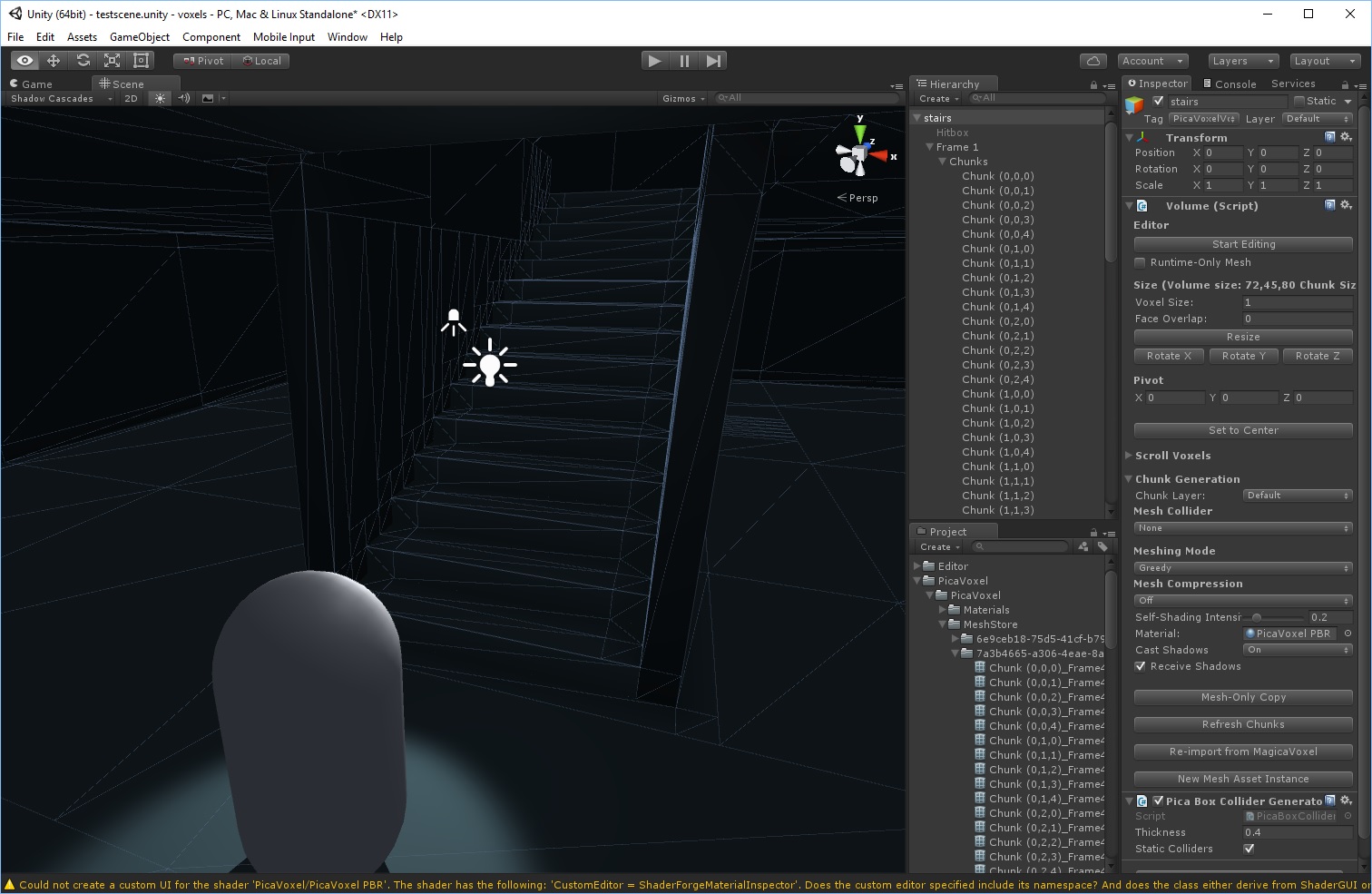
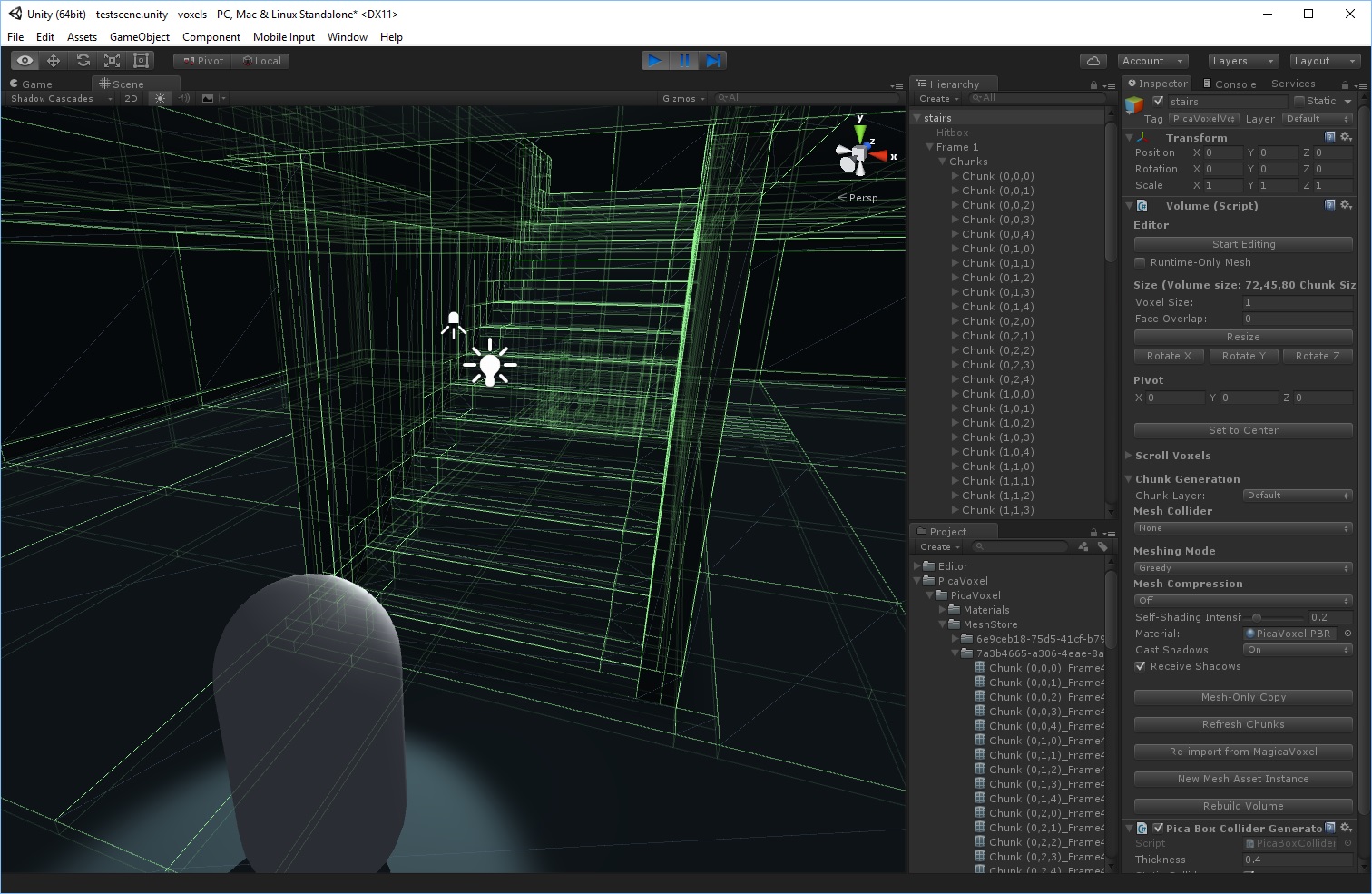
On testing it with box colliders, I had no issues with Rigidbodies flying through the voxel at reasonable speeds. Highsight found the same to be true as well.
I hope you find this helpful!
Check out my homepage and social feeds


And my projects!


Today I was adding In-App purchase support to my Android game using the Prime31 IAP Combo package. The game would crash on my device whenever I called IAP.init(...). Here's how I fixed it...
- I opened a DOS prompt and typed this in: adb.exe logcat > output.txt
- I ran the app and watched it crash.
- I clicked on the DOS prompt and pressed Ctrl-C to stop the logging. Then I opened output.txt.
- I discovered a fatal error near the end of the log; and determined it was caused by the the app lacking the ACCESS_NETWORK_STATE permission.
- From the Unity project navigation frame, I browsed into Plugins\Android\IAB_lib, opened AndroidManifest.xml and added this line:
<uses-permission android:name="android.permission.ACCESS_NETWORK_STATE" />
After that everything worked fine.
A major issue that has long plagued Hyperspace Pinball is that sometimes the ball would fall right through the flipper as the flipper is moving. This is because the ball and flipper are both moving so fast that the physics solver doesn't think they made contact when they actually did. In early development it happened maybe 1 out of every 5 times. After making a series of little changes (like decreasing the fixed time step, using thicker box colliders and writing a script that detected the ball going under the flipper and making it shoot back up), I managed to get it to happen 1 out of 30 times. All those things were done from various hacks I threw together, but I never took a real methodical approach to solving it until now.
Step 1: Build a clean test environment
This is what I should have done all along. I created a new scene with nothing but a ball and a flipper that repeatedly rotates back and forth as if someone were hammering a button. Surrounding them both are walls of triggers; if the ball touches one it gets teleported back to its starting point. If the ball touches the bottom trigger, the scene turns red meaning the test failed. The ball has no script and collisions are discrete. Here's how it looks in action:
Step 2: Make non-script changes
I cloned the test scene from step 1 and made two changes: I changed the ball and flipper colliders to be Continuous Dynamic and I added a new collider below the flipper that resembles a 90 degree pie slice to stop the ball if it falls through the flipper. I call this the "backup collider."
These changes prevented the ball from touching the bottom, but the ball would apparently stick to the flipper.
I found this post Forum.unity3d.com to help explain why this happens.
I decided that the backup collider would have to be a trigger, and I would have to do corrective math myself.
Step 3: Make scripting changes
I cloned the test scene from step 2, made the backup collider a trigger, and wrote two new scripts. The first is a script for the ball that tracks where it was over the last five calls to FixedUpdate(). The second is a script for the GameObject containing the backup collider that tracks where the tip of the flipper was over the last five calls to FixedUpdate(). The second script detects when the ball enters the backup collider, then tries to "rewind the simulation" to when the ball -really- entered the backup collider, and then sets the ball back to that position and launches it away by its angle of reflection against the flipper's up plane.
I won't explain all this in further detail here; but I include the scripts in this post for you to review if you like.
This satisfied the test environment but created a problem in the game: If the left flipper was held in the up position and the right flipper was down, and the ball was rolling down the right flipper...the ball would eventually touch the left backup collider and shoot away from the flipper.
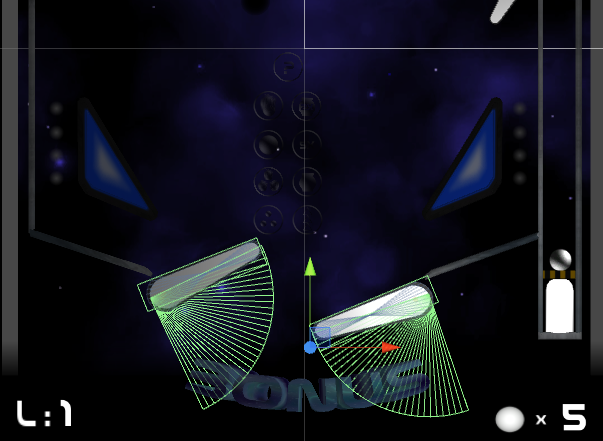
In such a case I don't want the backup collider to do anything because the ball isn't darting toward it from above.
I considered two ways to solve this:
1. Reduce the arc length of the backup collider. I decided not to do this because the shorter the arc length, the less chance there is for the backup collider to detect the ball going into it.
2. Ignore the ball if it's not coming from above. I made it so the ball is ignored if the absolute value of its X velocity is greater than the absolute value of its Y velocity. It's not the best solution I think, but it seems to work. It's also practical because the flipper is wider than it is tall; if the ball is coming diagonally toward the flipper, it will have to pass through more of the box collider before it can get to the backup collider. I think therefore there is a better chance that Unity's solver will detect that and send the ball away without the backup collider script's intervention.
Outcome
After seeing the first test scene fail after only a few seconds, and the final test scene with all my changes not fail after several minutes; I concluded that my changes are good enough to send to QA (if I had a QA department). I applied the new scripts to my game, and it played out just fine.
If you are writing a Unity pinball simulator and are having problems with the ball passing through the flippers, feel free to study the scripts I wrote.
Scripts
FallThroughPreventerBall
csharp code:
using UnityEngine;
using System.Collections;
public class FallThroughPreventerBall : MonoBehaviour
{
/// <summary>
/// The previous ball positions
/// </summary>
Vector3[] prevBallPositions;
/// <summary>
/// The previous ball velocities
/// </summary>
Vector3[] prevBallVelocities;
/// <summary>
/// The number of positions to track
/// </summary>
const int positionsToTrack = 5;
/// <summary>
/// The number of actively tracked positions
/// </summary>
int trackedPositions = 0;
/// <summary>
/// Cached transform for faster access
/// </summary>
Transform myTransform;
/// <summary>
/// Gets the radius.
/// </summary>
/// <value>
/// The radius.
/// </value>
public float Radius
{
get
{
return myTransform.localScale.x * 0.5f;
}
}
/// <summary>
/// Determines the ball position at a specified collision time.
/// </summary>
/// <returns>
/// The ball position.
/// </returns>
/// The collision time expressed as the number of fixed updates that have elapsed since now.
/// A value of 0 will not tell you where the ball is now; it will tell you where it was in the most recent
/// call to FixedUpdate.</param>
public Vector3 GetTrackedPosition(float t)
{
int recentOrdinal, distantOrdinal;
if (t < 0) t = 0;
else if (t >= (float)trackedPositions) t = trackedPositions - 1;
recentOrdinal = Mathf.FloorToInt(t);
distantOrdinal = (recentOrdinal == trackedPositions-1) ? recentOrdinal : (recentOrdinal+1);
t -= Mathf.Floor(t);
// Lerp from the newer ordinal to the older ordinal
return Vector3.Lerp(prevBallPositions[recentOrdinal], prevBallPositions[distantOrdinal], t);
}
/// <summary>
/// Determines the ball velocity at a specified collsion time.
/// </summary>
/// <returns>
/// The ball position.
/// </returns>
/// The collision time expressed as the number of fixed updates that have elapsed since now
/// A value of 0 will not tell you where the ball is now; it will tell you where it was in the most recent
/// call to FixedUpdate.</param>
public Vector3 GetTrackedVelocity(float t)
{
int recentOrdinal, distantOrdinal;
if (t < 0) t = 0;
else if (t >= (float)trackedPositions) t = trackedPositions - 1;
recentOrdinal = Mathf.FloorToInt(t);
distantOrdinal = (recentOrdinal == trackedPositions-1) ? recentOrdinal : (recentOrdinal+1);
t -= Mathf.Floor(t);
// Lerp from the newer ordinal to the older ordinal
return Vector3.Lerp(prevBallVelocities[recentOrdinal], prevBallVelocities[distantOrdinal], t);
}
#region MonoBehaviour
void Start ()
{
prevBallPositions = new Vector3[positionsToTrack];
prevBallVelocities = new Vector3[positionsToTrack];
myTransform = transform;
prevBallPositions[0] = myTransform.position;
prevBallVelocities[0] = myTransform.rigidbody.velocity;
trackedPositions = 1;
}
void FixedUpdate ()
{
for (int i = prevBallPositions.Length - 1; i >= 1; i--)
{
prevBallPositions[i]= prevBallPositions[i - 1];
}
for (int i = prevBallVelocities.Length - 1; i >= 1; i--)
{
prevBallVelocities[i]= prevBallVelocities[i - 1];
}
prevBallPositions[0] = myTransform.position;
prevBallVelocities[0] = myTransform.rigidbody.velocity;
trackedPositions = Mathf.Min(trackedPositions+1, positionsToTrack);
}
#endregion
}
using System.Collections;
public class FallThroughPreventerBall : MonoBehaviour
{
/// <summary>
/// The previous ball positions
/// </summary>
Vector3[] prevBallPositions;
/// <summary>
/// The previous ball velocities
/// </summary>
Vector3[] prevBallVelocities;
/// <summary>
/// The number of positions to track
/// </summary>
const int positionsToTrack = 5;
/// <summary>
/// The number of actively tracked positions
/// </summary>
int trackedPositions = 0;
/// <summary>
/// Cached transform for faster access
/// </summary>
Transform myTransform;
/// <summary>
/// Gets the radius.
/// </summary>
/// <value>
/// The radius.
/// </value>
public float Radius
{
get
{
return myTransform.localScale.x * 0.5f;
}
}
/// <summary>
/// Determines the ball position at a specified collision time.
/// </summary>
/// <returns>
/// The ball position.
/// </returns>
/// The collision time expressed as the number of fixed updates that have elapsed since now.
/// A value of 0 will not tell you where the ball is now; it will tell you where it was in the most recent
/// call to FixedUpdate.</param>
public Vector3 GetTrackedPosition(float t)
{
int recentOrdinal, distantOrdinal;
if (t < 0) t = 0;
else if (t >= (float)trackedPositions) t = trackedPositions - 1;
recentOrdinal = Mathf.FloorToInt(t);
distantOrdinal = (recentOrdinal == trackedPositions-1) ? recentOrdinal : (recentOrdinal+1);
t -= Mathf.Floor(t);
// Lerp from the newer ordinal to the older ordinal
return Vector3.Lerp(prevBallPositions[recentOrdinal], prevBallPositions[distantOrdinal], t);
}
/// <summary>
/// Determines the ball velocity at a specified collsion time.
/// </summary>
/// <returns>
/// The ball position.
/// </returns>
/// The collision time expressed as the number of fixed updates that have elapsed since now
/// A value of 0 will not tell you where the ball is now; it will tell you where it was in the most recent
/// call to FixedUpdate.</param>
public Vector3 GetTrackedVelocity(float t)
{
int recentOrdinal, distantOrdinal;
if (t < 0) t = 0;
else if (t >= (float)trackedPositions) t = trackedPositions - 1;
recentOrdinal = Mathf.FloorToInt(t);
distantOrdinal = (recentOrdinal == trackedPositions-1) ? recentOrdinal : (recentOrdinal+1);
t -= Mathf.Floor(t);
// Lerp from the newer ordinal to the older ordinal
return Vector3.Lerp(prevBallVelocities[recentOrdinal], prevBallVelocities[distantOrdinal], t);
}
#region MonoBehaviour
void Start ()
{
prevBallPositions = new Vector3[positionsToTrack];
prevBallVelocities = new Vector3[positionsToTrack];
myTransform = transform;
prevBallPositions[0] = myTransform.position;
prevBallVelocities[0] = myTransform.rigidbody.velocity;
trackedPositions = 1;
}
void FixedUpdate ()
{
for (int i = prevBallPositions.Length - 1; i >= 1; i--)
{
prevBallPositions[i]= prevBallPositions[i - 1];
}
for (int i = prevBallVelocities.Length - 1; i >= 1; i--)
{
prevBallVelocities[i]= prevBallVelocities[i - 1];
}
prevBallPositions[0] = myTransform.position;
prevBallVelocities[0] = myTransform.rigidbody.velocity;
trackedPositions = Mathf.Min(trackedPositions+1, positionsToTrack);
}
#endregion
}
FallThroughPreventerFlipper
csharp code:
using UnityEngine;
using System.Collections;
public class FallThroughPreventerFlipper : MonoBehaviour
{
/// <summary>
/// The transform representing the hinge of the flipper
/// </summary>
public Transform hinge;
/// <summary>
/// The transform representing the tip of the flipper
/// </summary>
public Transform tip;
/// <summary>
/// The flipper collider.
/// </summary>
public Collider flipperCollider;
/// <summary>
/// The previous positions of the tip of the flipper
/// </summary>
Vector3[] prevTipPositions;
/// <summary>
/// The number of positions to track
/// </summary>
const int positionsToTrack = 5;
/// <summary>
/// The number of actively tracked positions
/// </summary>
int trackedPositions = 0;
#region Private Methods
/// <summary>
/// Gets the collision time expressed as a value in [0,1] where 0 is the time of the
/// previous fixed update call, and 1 is now.
/// </summary>
/// The ball</param>
/// <returns>The collision time expressed as the number of fixed updates that have elapsed since now</returns>
float GetCollisionTime(FallThroughPreventerBall ball)
{
int iFirstOrdinalNotIntersecting = 0;
if (1 == trackedPositions)
{
// We only have one position to work with, so we're stuck with it whether or not we actually intersected
return 0.0f;
}
else
{
for (; iFirstOrdinalNotIntersecting < trackedPositions - 1; iFirstOrdinalNotIntersecting++)
{
if (!Intersects(ball, (float)iFirstOrdinalNotIntersecting))
{
break;
}
}
}
if (0 == iFirstOrdinalNotIntersecting)
{
// If we get here, the intersection took place between the most recent fixed update and now
return 0.0f;
}
else
{
// Try to better estimate exactly when this happened
const int precisionLevel = 3;
float tNotIntersect = (float)(iFirstOrdinalNotIntersecting); // We are not intersecting at tNotIntersect
float tIntersect = (float)(iFirstOrdinalNotIntersecting - 1); // We are intersecting at tIntersect
float t = tIntersect;
for (int i=0; i < precisionLevel; i++)
{
if (Intersects(ball, t))
{
// bring t closer to tNotIntersect
t = (t + tNotIntersect) * 0.5f;
}
else
{
// bring t closer to tIntersect
t = (t + tIntersect) * 0.5f;
}
}
return t;
}
}
/// <summary>
/// Determines whether the ball is intersecting with the fallback collider at a specified collision time
/// </summary>
/// The ball</param>
/// The collision time expressed as the number of fixed updates that have elapsed since now</param>
bool Intersects(FallThroughPreventerBall ball, float t)
{
Vector3 ballPosition = ball.GetTrackedPosition(t);
Plane collisionPlane = GetTrackedCollisionPlane(t);
// Get the distance from the ball center to the plane
float d = collisionPlane.GetDistanceToPoint(ballPosition);
// Return true if the distance is less than the radius of the ball
return (d < ball.Radius);
}
/// <summary>
/// Determines the flipper's collision plane (cuts through the center of the flipper) at a specified collsion time.
/// </summary>
/// <returns>
/// The collsion plane
/// </returns>
/// The collision time expressed as a value in [0,1] where 0 is the time of the
/// previous fixed update call, and 1 is now.</param>
Plane GetTrackedCollisionPlane(float t)
{
int recentOrdinal, distantOrdinal;
if (t < 0) t = 0;
else if (t >= (float)trackedPositions) t = trackedPositions - 1;
recentOrdinal = Mathf.FloorToInt(t);
distantOrdinal = (recentOrdinal == trackedPositions-1) ? recentOrdinal : (recentOrdinal+1);
t -= Mathf.Floor(t);
// Find the vectors from the hinge to the tip
Vector3 v0 = (prevTipPositions[recentOrdinal] - hinge.position).normalized;
Vector3 v1 = (prevTipPositions[distantOrdinal] - hinge.position).normalized;
Vector3 va = Vector3.RotateTowards(v0, v1, Vector3.Angle(v0, v1) * Mathf.Deg2Rad * t, 0.0f);
return new Plane( Vector3.Cross(new Vector3(0,0,1),va), hinge.position );
}
#endregion
#region MonoBehaviour
// Use this for initialization
void Start ()
{
prevTipPositions = new Vector3[positionsToTrack];
prevTipPositions[0] = tip.position;
trackedPositions = 1;
}
// Update is called once per frame
void FixedUpdate ()
{
for (int i = prevTipPositions.Length - 1; i >= 1; i--)
{
prevTipPositions[i]= prevTipPositions[i - 1];
}
prevTipPositions[0] = tip.position;
trackedPositions = Mathf.Min(trackedPositions+1, positionsToTrack);
}
void OnTriggerEnter(Collider other)
{
FallThroughPreventerBall ball = other.gameObject.GetComponent<FallThroughPreventerBall>();
if (null != ball
// Only do the fall through prevention if the ball is travelling faster "vertically" than "horizontally"
// WISHLIST: Find a better way to discern balls coming from the top from balls coming from the sides.
// Another option is to make this collider an eighth of a pie slice rather than a full quarter slice
// though I prefer the additional coverage of a full quarter slice.
&& Mathf.Abs(ball.rigidbody.velocity.x) < Mathf.Abs(ball.rigidbody.velocity.y))
{
// Get the approximate time of collision
float t = GetCollisionTime(ball);
// Calculate the ball and collision plane at the time of contact
Vector3 ballPositionAtImpact = ball.GetTrackedPosition(t);
Plane collisionPlaneAtImpact = GetTrackedCollisionPlane(t);
// Calculate the point of contact between the ball and collision plane
Vector3 contactPoint = ballPositionAtImpact - collisionPlaneAtImpact.normal * ball.Radius;
// Calculate the velocity of the ball at the time of contact
Vector3 contactVel = ball.GetTrackedVelocity(t);
// Calculate the velocity the ball would be going had it properly collided with and bounced off the flipper
Vector3 reflectVel = Vector3.Reflect(contactVel, collisionPlaneAtImpact.normal);
// WISHLIST: A perfect reflection isn't realistic, but it's pretty good for our purposes
// WISHLIST: Calculate the velocity of the flipper at the contact point and add it to the ball velocity
Debug.Log("t=" + t + " vOld=" + contactVel + " vNew=" + reflectVel);
//Debug.Break();
// Move the ball back to the point of contact and assign its new velocity.
ball.transform.position = contactPoint;
ball.rigidbody.velocity = reflectVel;
Physics.IgnoreCollision(flipperCollider, other, true);
}
}
void OnTriggerExit(Collider other)
{
FallThroughPreventerBall ball = other.gameObject.GetComponent<FallThroughPreventerBall>();
if (null != ball)
{
Physics.IgnoreCollision(flipperCollider, other, false);
}
}
#endregion
}
using System.Collections;
public class FallThroughPreventerFlipper : MonoBehaviour
{
/// <summary>
/// The transform representing the hinge of the flipper
/// </summary>
public Transform hinge;
/// <summary>
/// The transform representing the tip of the flipper
/// </summary>
public Transform tip;
/// <summary>
/// The flipper collider.
/// </summary>
public Collider flipperCollider;
/// <summary>
/// The previous positions of the tip of the flipper
/// </summary>
Vector3[] prevTipPositions;
/// <summary>
/// The number of positions to track
/// </summary>
const int positionsToTrack = 5;
/// <summary>
/// The number of actively tracked positions
/// </summary>
int trackedPositions = 0;
#region Private Methods
/// <summary>
/// Gets the collision time expressed as a value in [0,1] where 0 is the time of the
/// previous fixed update call, and 1 is now.
/// </summary>
/// The ball</param>
/// <returns>The collision time expressed as the number of fixed updates that have elapsed since now</returns>
float GetCollisionTime(FallThroughPreventerBall ball)
{
int iFirstOrdinalNotIntersecting = 0;
if (1 == trackedPositions)
{
// We only have one position to work with, so we're stuck with it whether or not we actually intersected
return 0.0f;
}
else
{
for (; iFirstOrdinalNotIntersecting < trackedPositions - 1; iFirstOrdinalNotIntersecting++)
{
if (!Intersects(ball, (float)iFirstOrdinalNotIntersecting))
{
break;
}
}
}
if (0 == iFirstOrdinalNotIntersecting)
{
// If we get here, the intersection took place between the most recent fixed update and now
return 0.0f;
}
else
{
// Try to better estimate exactly when this happened
const int precisionLevel = 3;
float tNotIntersect = (float)(iFirstOrdinalNotIntersecting); // We are not intersecting at tNotIntersect
float tIntersect = (float)(iFirstOrdinalNotIntersecting - 1); // We are intersecting at tIntersect
float t = tIntersect;
for (int i=0; i < precisionLevel; i++)
{
if (Intersects(ball, t))
{
// bring t closer to tNotIntersect
t = (t + tNotIntersect) * 0.5f;
}
else
{
// bring t closer to tIntersect
t = (t + tIntersect) * 0.5f;
}
}
return t;
}
}
/// <summary>
/// Determines whether the ball is intersecting with the fallback collider at a specified collision time
/// </summary>
/// The ball</param>
/// The collision time expressed as the number of fixed updates that have elapsed since now</param>
bool Intersects(FallThroughPreventerBall ball, float t)
{
Vector3 ballPosition = ball.GetTrackedPosition(t);
Plane collisionPlane = GetTrackedCollisionPlane(t);
// Get the distance from the ball center to the plane
float d = collisionPlane.GetDistanceToPoint(ballPosition);
// Return true if the distance is less than the radius of the ball
return (d < ball.Radius);
}
/// <summary>
/// Determines the flipper's collision plane (cuts through the center of the flipper) at a specified collsion time.
/// </summary>
/// <returns>
/// The collsion plane
/// </returns>
/// The collision time expressed as a value in [0,1] where 0 is the time of the
/// previous fixed update call, and 1 is now.</param>
Plane GetTrackedCollisionPlane(float t)
{
int recentOrdinal, distantOrdinal;
if (t < 0) t = 0;
else if (t >= (float)trackedPositions) t = trackedPositions - 1;
recentOrdinal = Mathf.FloorToInt(t);
distantOrdinal = (recentOrdinal == trackedPositions-1) ? recentOrdinal : (recentOrdinal+1);
t -= Mathf.Floor(t);
// Find the vectors from the hinge to the tip
Vector3 v0 = (prevTipPositions[recentOrdinal] - hinge.position).normalized;
Vector3 v1 = (prevTipPositions[distantOrdinal] - hinge.position).normalized;
Vector3 va = Vector3.RotateTowards(v0, v1, Vector3.Angle(v0, v1) * Mathf.Deg2Rad * t, 0.0f);
return new Plane( Vector3.Cross(new Vector3(0,0,1),va), hinge.position );
}
#endregion
#region MonoBehaviour
// Use this for initialization
void Start ()
{
prevTipPositions = new Vector3[positionsToTrack];
prevTipPositions[0] = tip.position;
trackedPositions = 1;
}
// Update is called once per frame
void FixedUpdate ()
{
for (int i = prevTipPositions.Length - 1; i >= 1; i--)
{
prevTipPositions[i]= prevTipPositions[i - 1];
}
prevTipPositions[0] = tip.position;
trackedPositions = Mathf.Min(trackedPositions+1, positionsToTrack);
}
void OnTriggerEnter(Collider other)
{
FallThroughPreventerBall ball = other.gameObject.GetComponent<FallThroughPreventerBall>();
if (null != ball
// Only do the fall through prevention if the ball is travelling faster "vertically" than "horizontally"
// WISHLIST: Find a better way to discern balls coming from the top from balls coming from the sides.
// Another option is to make this collider an eighth of a pie slice rather than a full quarter slice
// though I prefer the additional coverage of a full quarter slice.
&& Mathf.Abs(ball.rigidbody.velocity.x) < Mathf.Abs(ball.rigidbody.velocity.y))
{
// Get the approximate time of collision
float t = GetCollisionTime(ball);
// Calculate the ball and collision plane at the time of contact
Vector3 ballPositionAtImpact = ball.GetTrackedPosition(t);
Plane collisionPlaneAtImpact = GetTrackedCollisionPlane(t);
// Calculate the point of contact between the ball and collision plane
Vector3 contactPoint = ballPositionAtImpact - collisionPlaneAtImpact.normal * ball.Radius;
// Calculate the velocity of the ball at the time of contact
Vector3 contactVel = ball.GetTrackedVelocity(t);
// Calculate the velocity the ball would be going had it properly collided with and bounced off the flipper
Vector3 reflectVel = Vector3.Reflect(contactVel, collisionPlaneAtImpact.normal);
// WISHLIST: A perfect reflection isn't realistic, but it's pretty good for our purposes
// WISHLIST: Calculate the velocity of the flipper at the contact point and add it to the ball velocity
Debug.Log("t=" + t + " vOld=" + contactVel + " vNew=" + reflectVel);
//Debug.Break();
// Move the ball back to the point of contact and assign its new velocity.
ball.transform.position = contactPoint;
ball.rigidbody.velocity = reflectVel;
Physics.IgnoreCollision(flipperCollider, other, true);
}
}
void OnTriggerExit(Collider other)
{
FallThroughPreventerBall ball = other.gameObject.GetComponent<FallThroughPreventerBall>();
if (null != ball)
{
Physics.IgnoreCollision(flipperCollider, other, false);
}
}
#endregion
}
Check out my homepage and social feeds


And my projects!


Though I've dabbled in game development since the late 1980's, it wasn't until October 26, 2004 that I incorporated Gamieon for fun, adventure, and maybe even a little profit. It's a part-time studio owned by myself and an investor who helps me cover expenses. Together we're the only employees of Gamieon. I do all the programming, releases, website maintenance, social networking and business upkeep. Tasks that are contracted out on a need-to basis include graphic, sound effect, music development and sometimes marketing. My full time job is medical software development; I've been employed by the same company for over seventeen years. I opted not to go into full-time gamedev largely because I don't want to leave my current job and because I like to treat gamedev as a hobby more than as a career (though it wasn't always that way).
Pre-Gamieon
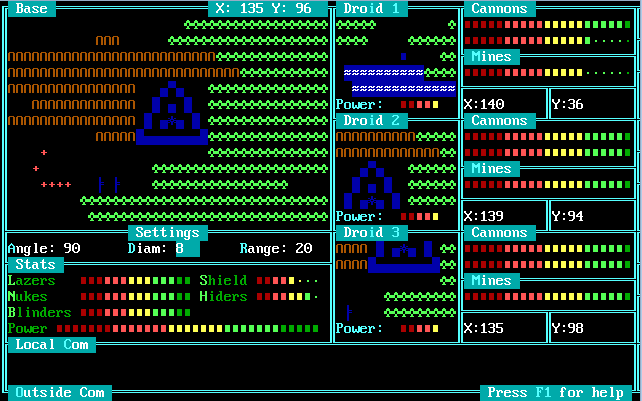
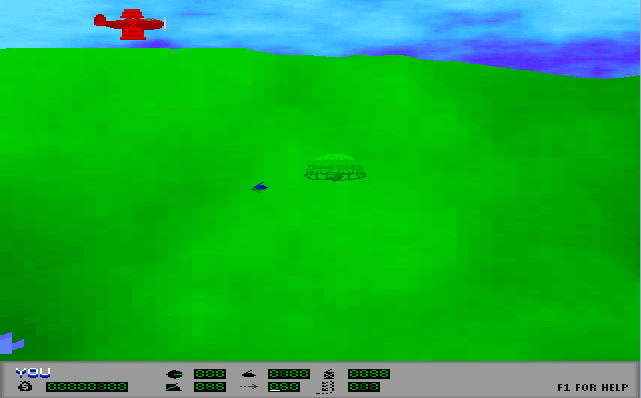
I initially learned to program in BASIC with help from my father. Years later I learned how to program in C; mostly self taught but with some help from a friend on a local BBS I called frequently. I conceived of many projects but never finished any until around 1994 when I programmed and released "Flash Infiltrator;" a free ANSI war game you could play online a "Major BBS" real-time with up to five other players.
Within a year following I released "Flash Tankfire" which was a free Scorched Earth clone also playable online a Major BBS.
The development cycle was "code-and-fix" for all that time, and I didn't really think about collaborating with other developers. I was having fun on my own, and had not come across anyone else who wrote games. After those two games I turned my attention toward learning DirectX and engine development. I wrote a basic 3D video engine and a fast smooth voxel terrain renderer like that of the "Mars" voxel demo shown below:
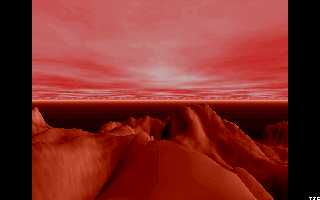
(Source: Rainmak3r.altervista.org)
Sadly I lost the code to those projects many years ago, so I have nothing to show for it here.
Later in college I developed and released "Cycles3D." The game is a free clone of the original Tron light cycle simulation. The initial release got thousands of downloads within the first day of being available; and later I discovered it was downloaded so many times that it created a distinct spike in campus network traffic for a short while. That was the legacy I left the University of Dayton with :).

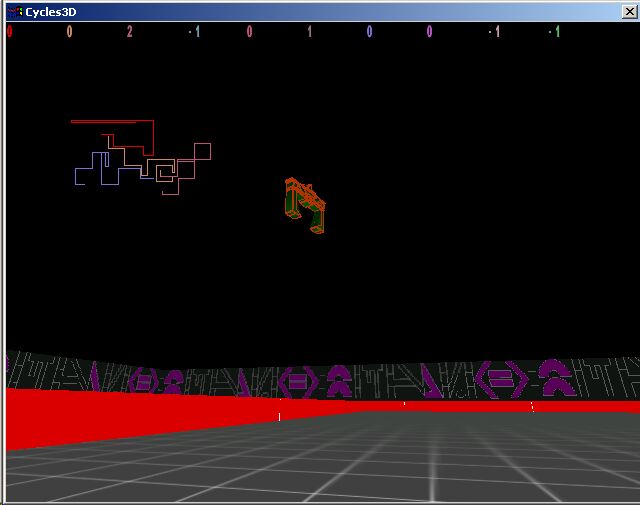
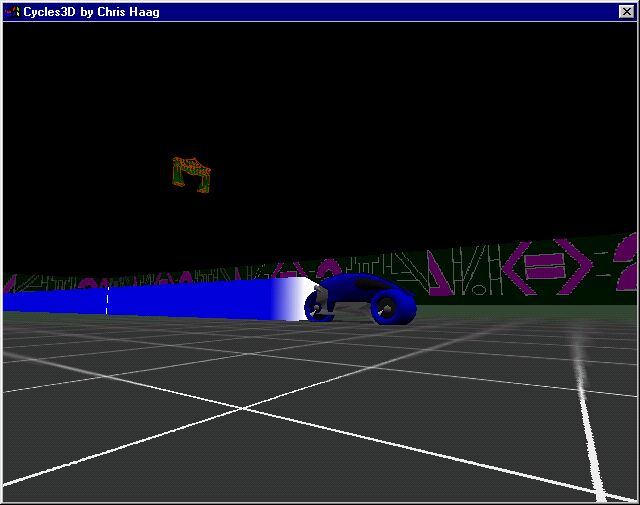
You can still download it at Cycles3d.com
College was also when I got a co-op job developing medical software. After graduation my boss set up a full-time game development studio called Astound for me because, back then, I wanted a full time job developing games and he thought it could be lucrative. It was a dream come true, and I jumped right in. At Astound I worked with another programmer on a 3D shooter called "Zeos Fighters."
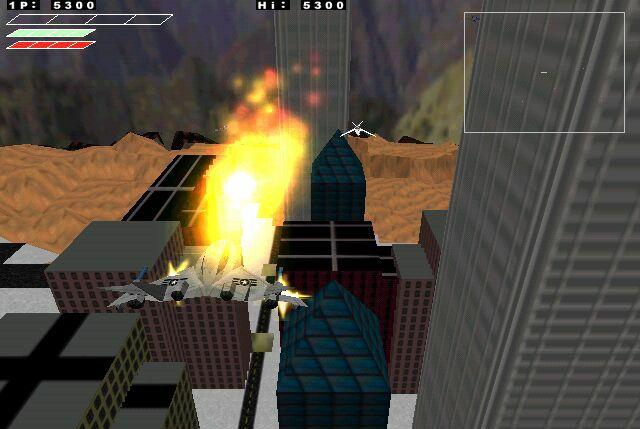

After a year of work I deemed the project a failure and returned to medical software development. Its failure can be summed up in one sentence: I treated Astound like a programming exercise, not a game studio. The itch to develop games never went away, so I started development on a 3D physics puzzle game in my free time called "Dominoze." It was during development of that game that I founded Gamieon in order to formalize its development and collaborate with other developers under a corporate entity.
Gamieon's Unreleased Projects
(Number in parenthesis denotes most recent year of development)
Dominoze (2010)
Homepage: Indiedb.com

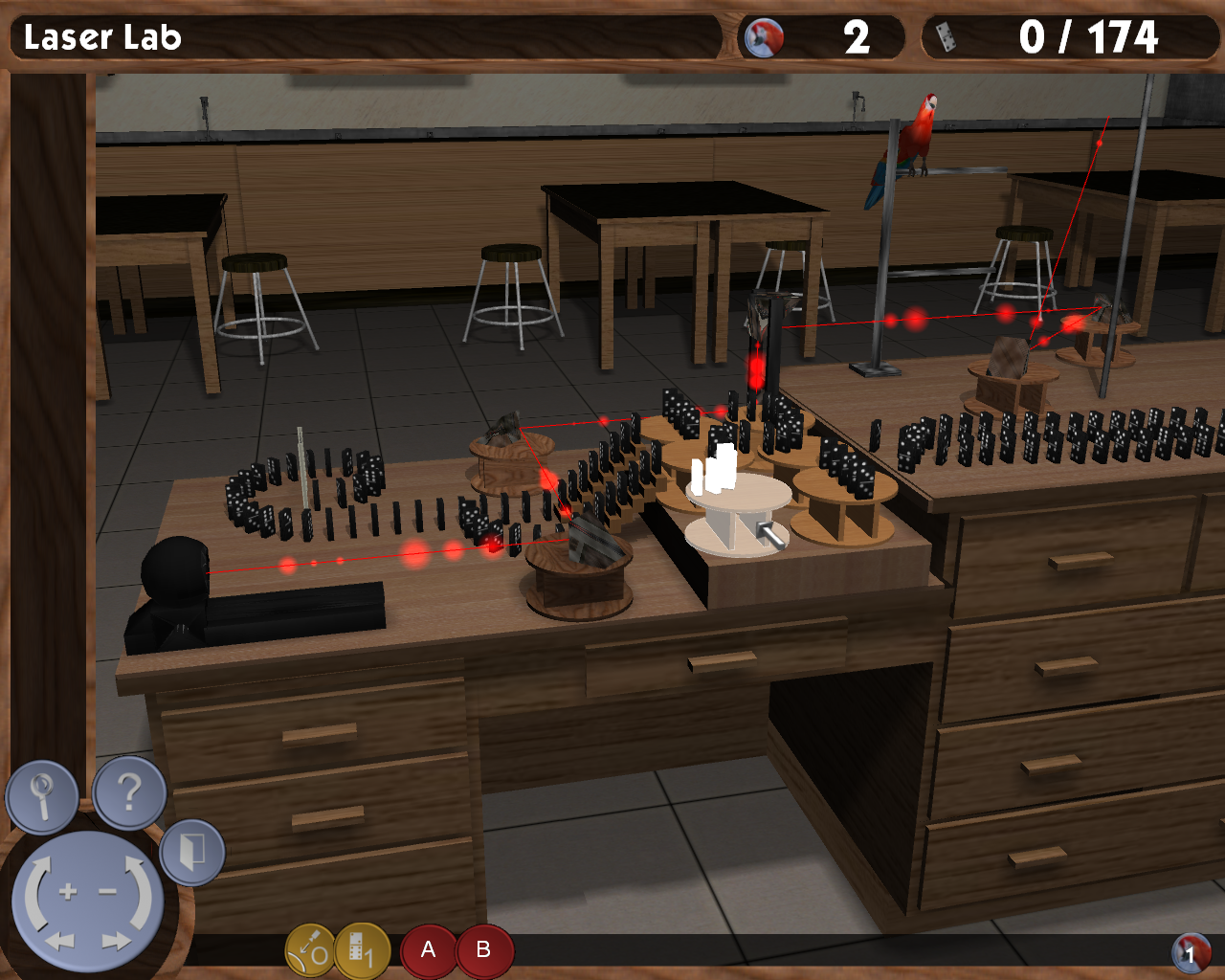
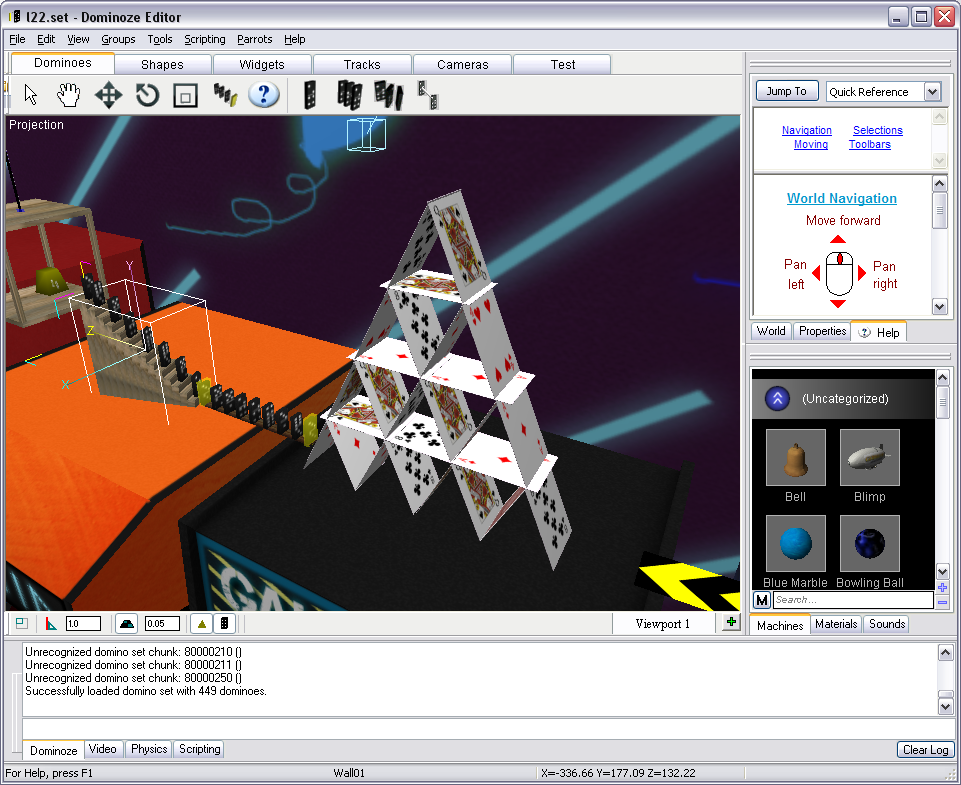
Dominoze is a 3D physics puzzle game, and though unfinished, the crown jewel of my personal game development experience. In each level you figure out how to arrange objects in a scene such that all the dominoes can be knocked over in one continuous chain. I think the idea is amazing but the execution was poor. I spent nine years building the game, editor and engine (even writing a lightmapper from scratch) only to walk away from what became an endless cycle of feature creep and no direction.
You can read all about Dominoze at Gamasutra.com
Gamieon Construction Kit (2010)
Homepage: Indiedb.com

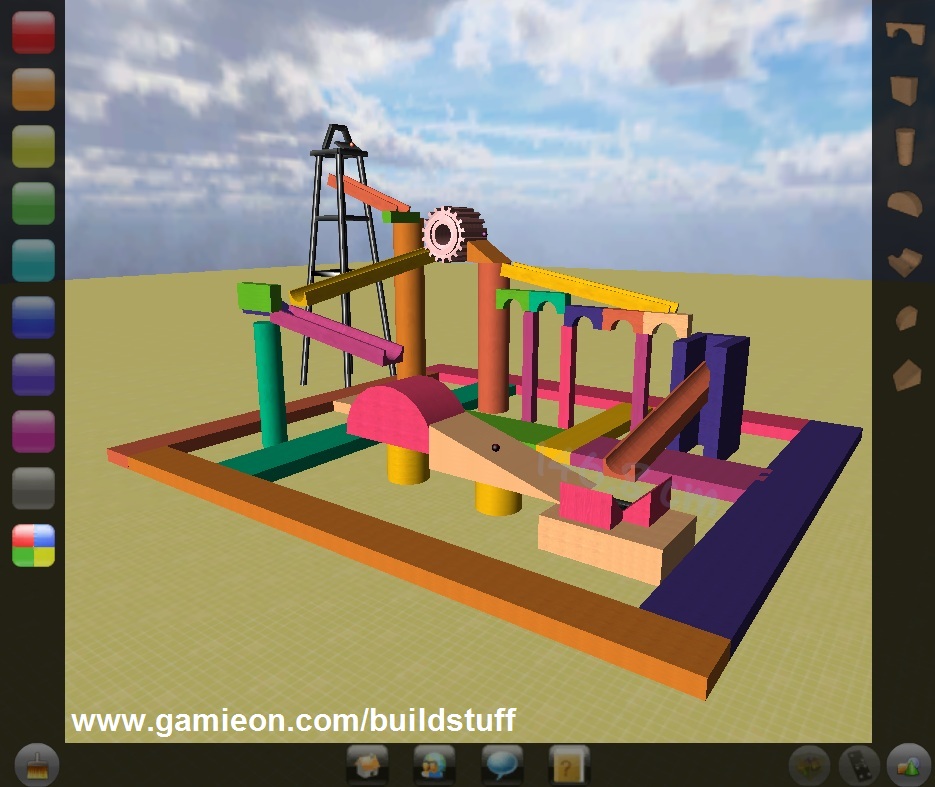
This was a learning project for Unity network development and also an attempt to make a Rube Goldberg sandbox simulation consisting of physics and simple shapes. I like the underlying idea of a simulator where people can build and share contraptions online, but I never came up with a complete design. I abandoned it after a few months to move on to more exciting projects.
Cycles3D 2.0 (2012)
Homepage: Indiedb.com
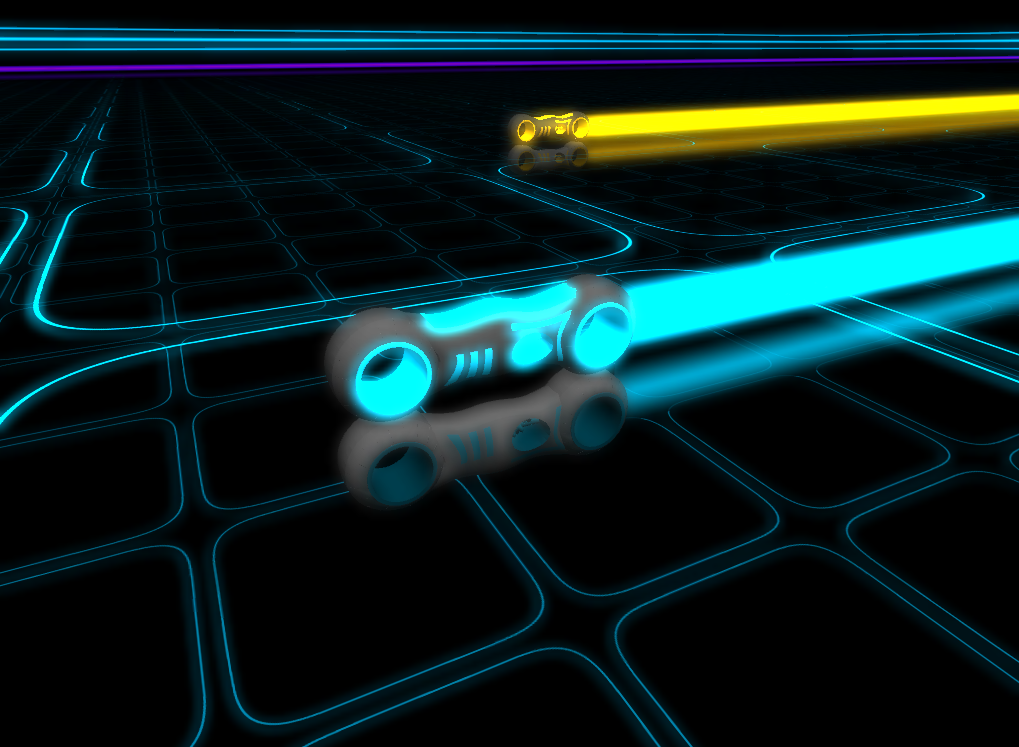
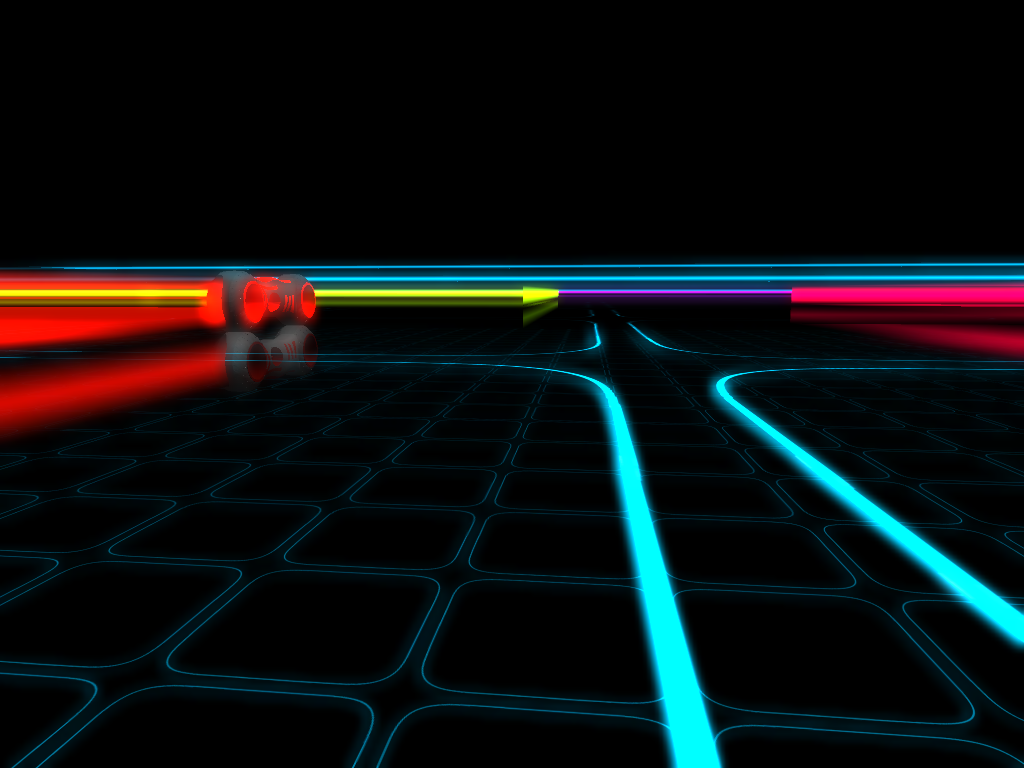
I ported my old Cycles3D project to Unity on a whim to see how fast I could do it and to make it look pretty along the way. I stopped development because I lost interest, but it remains on GitHub at Github.com should anyone want to tinker with it.
Gauntlet Clone (2014)
(This project has no homepage)
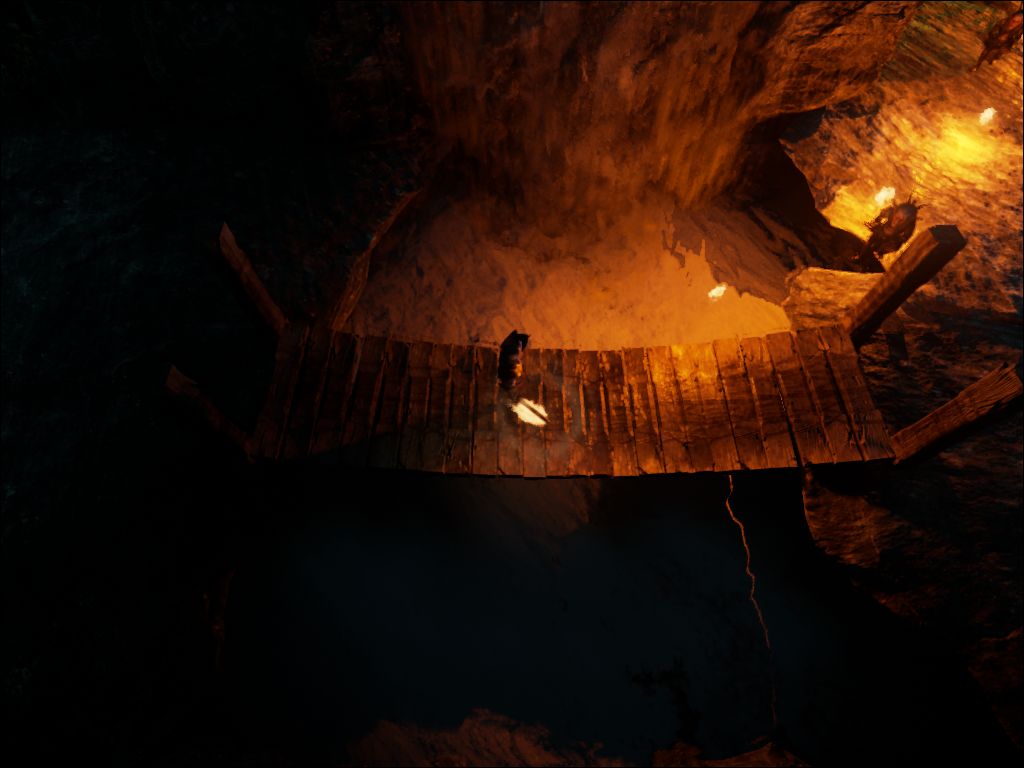
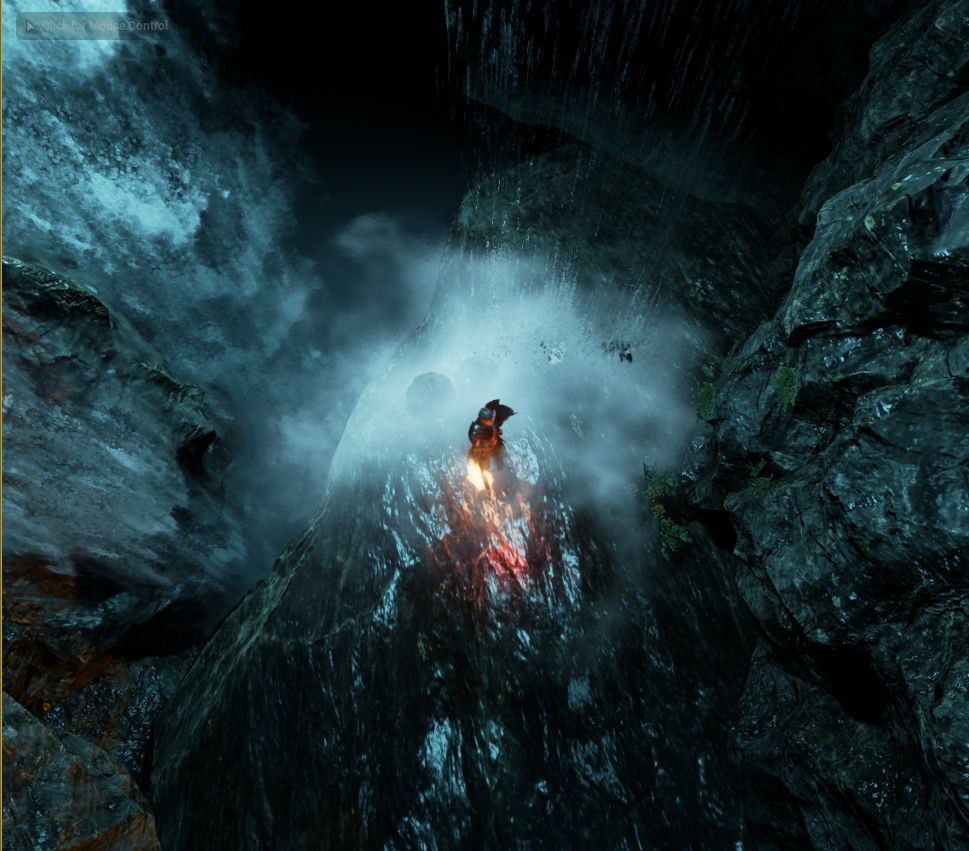
This was my first immersion into Unreal 4 development. I wanted to make Unreal's cave fly-through demo into a small Gauntlet level. I did just that in a very short time; and it was fun to play even though players didn't take damage. I abandoned the project right after I made the video because I wanted to work on something else more original. All in all it was a good learning experience.
Field of Heroes (2015)
Homepage: Indiedb.com
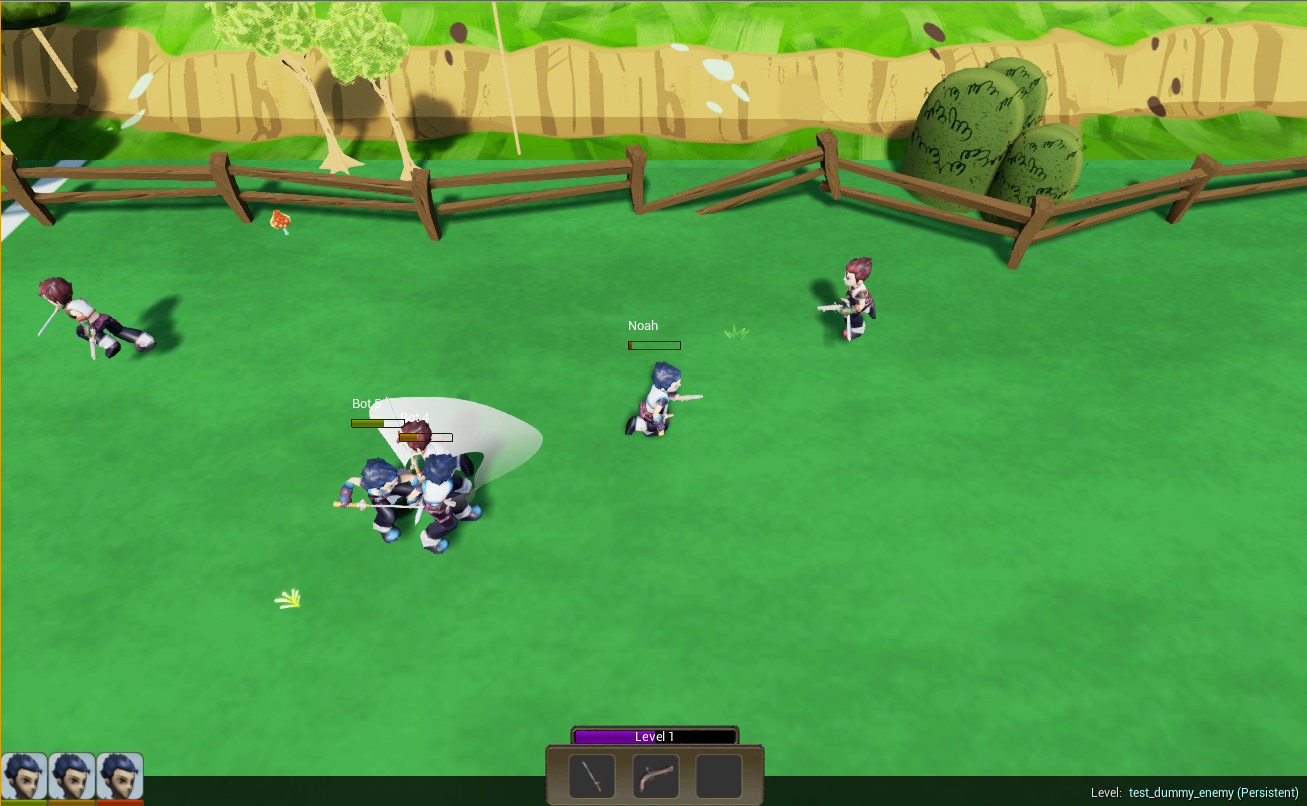
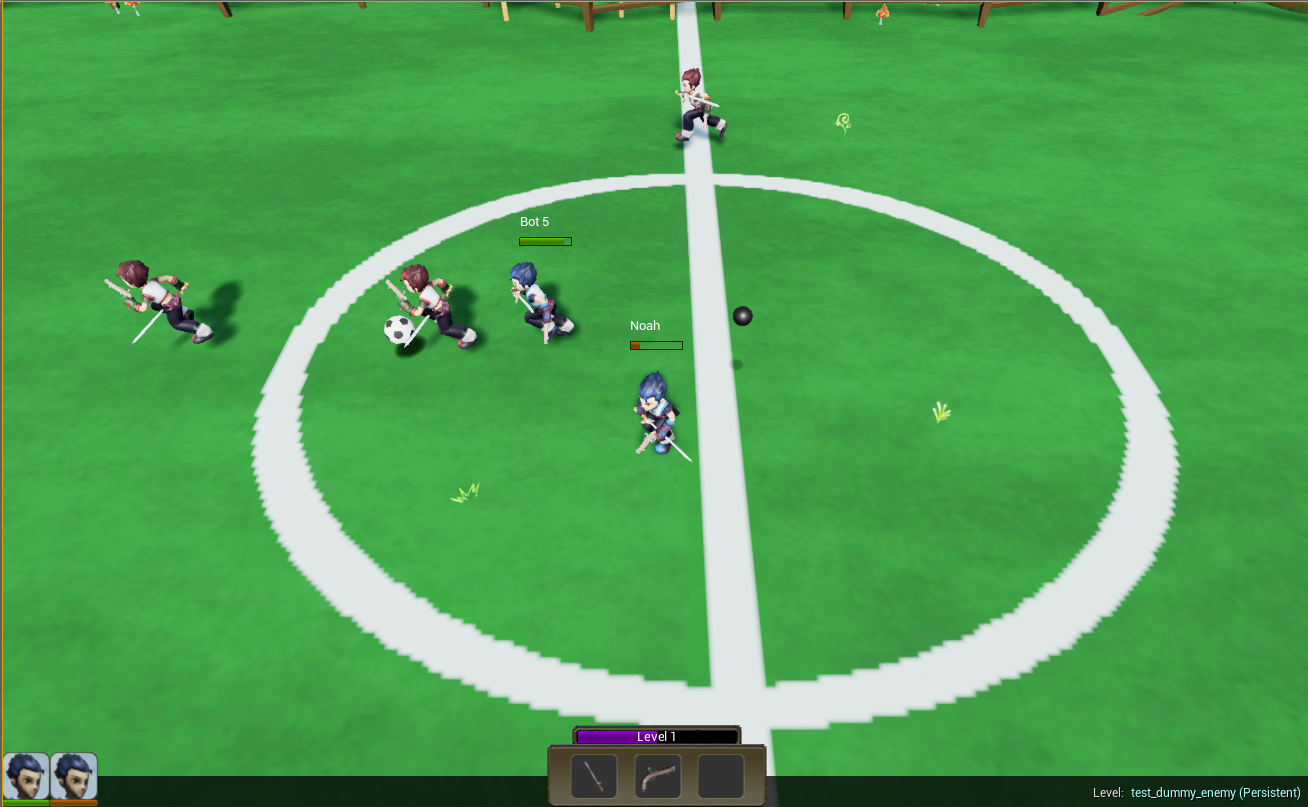
This is my second Unreal 4 project, and one I'd like to see come to fruition someday with help from a big studio. FoH is a soccer game where players fight each other, literally, for control of the ball. Even if the project doesn't go anywhere, at least I got to learn how behavior trees and character animations generally work in modern game development tools. This project is in development at the time of this writing.
Gamieon's Released Projects
(Number in parenthesis denotes release year)
Tiltz (2010)
Homepage: Indiedb.com
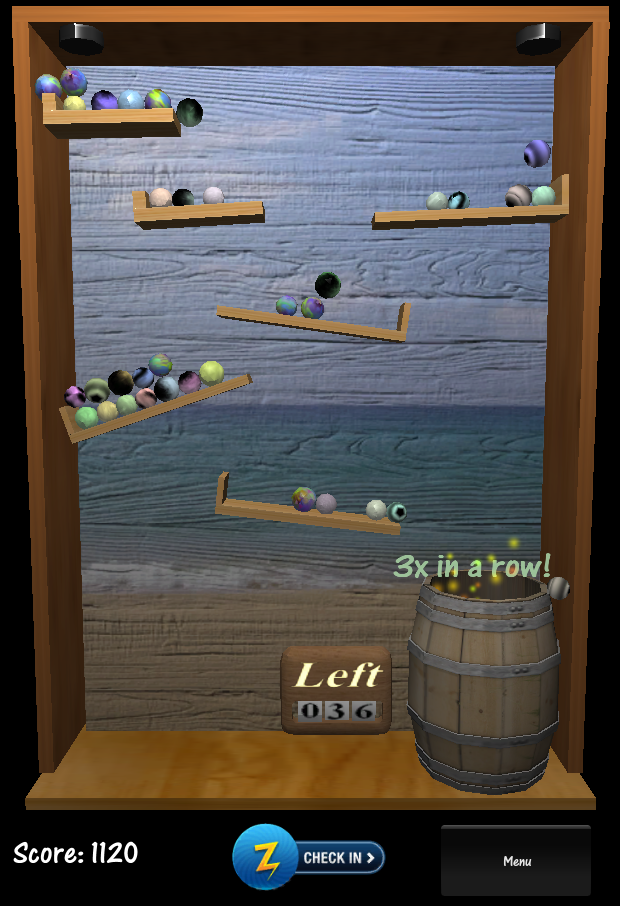
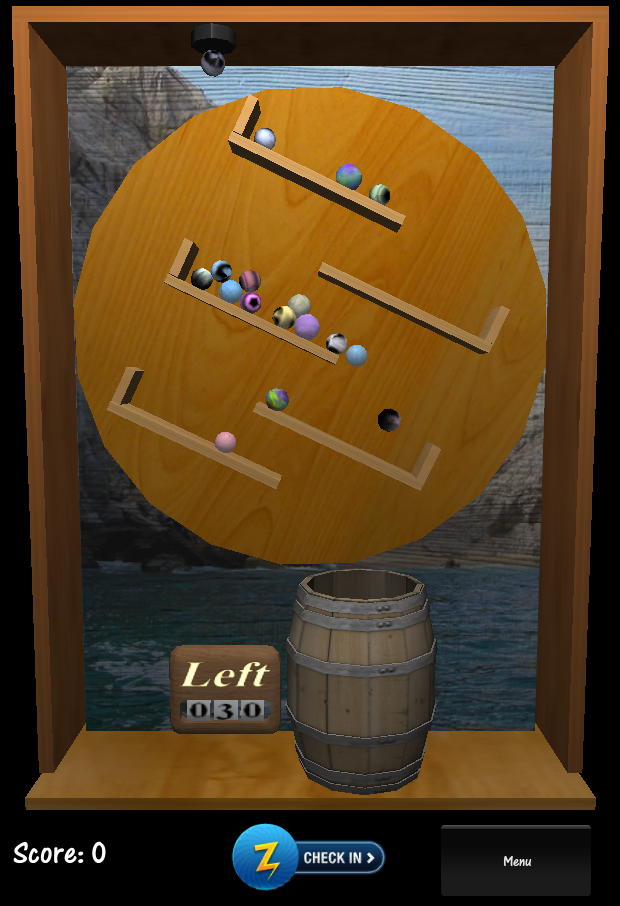
Tiltz is a simple mobile game where you tilt your device and pull incline ramps down with your finger to guide marbles into a barrel. It was my first venture into mobile development and my first released game that used the Unity engine. You can read more about it in the post-mortem (which I called "sunset" at the time) at:
At the time of this writing it's still available on these platforms:
iTunes - Itunes.apple.com
Google Play - Market.android.com
Hyperspace Pinball (2011)
Homepage: Indiedb.com

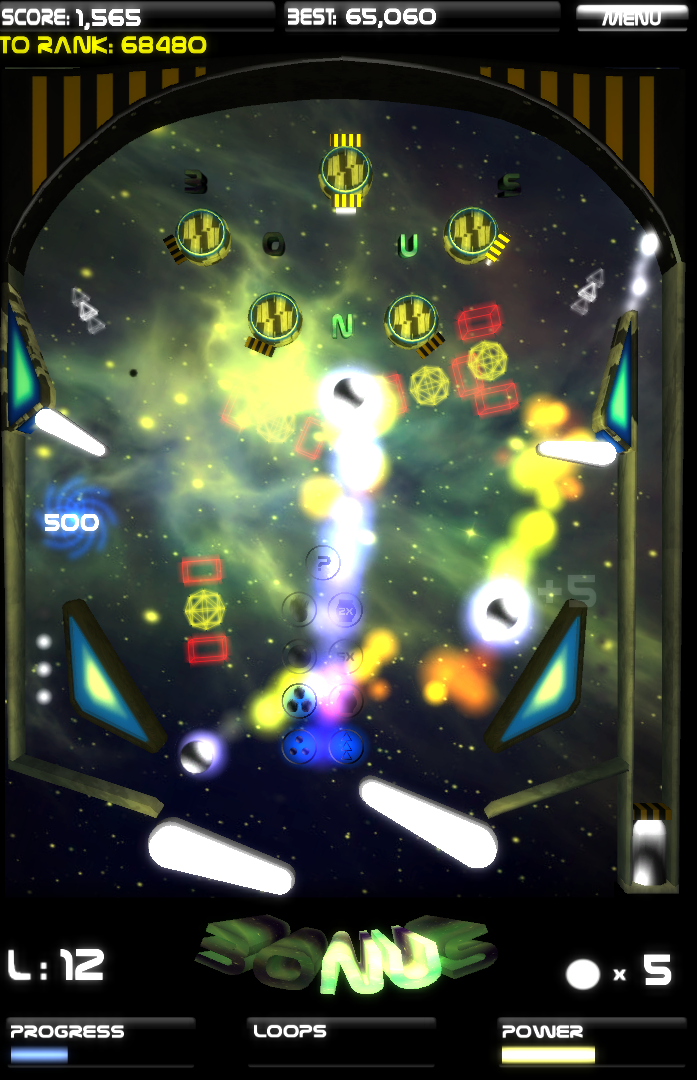
The objective in this game, which is my second mobile and first desktop Unity game released, is to destroy aliens on the screen using pinball-like controls. It was my first attempt at a seriously successful mobile game, and my most successful game by download. You can read the post-mortem at:
At the time of this writing, you can still get it from these links:
iTunes - Itunes.apple.com
Google Play - Play.google.com
Desura - Indiedb.com
BrassMonkey - Playbrassmonkey.com
Hamster Chase (2013)
Homepage: Indiedb.com
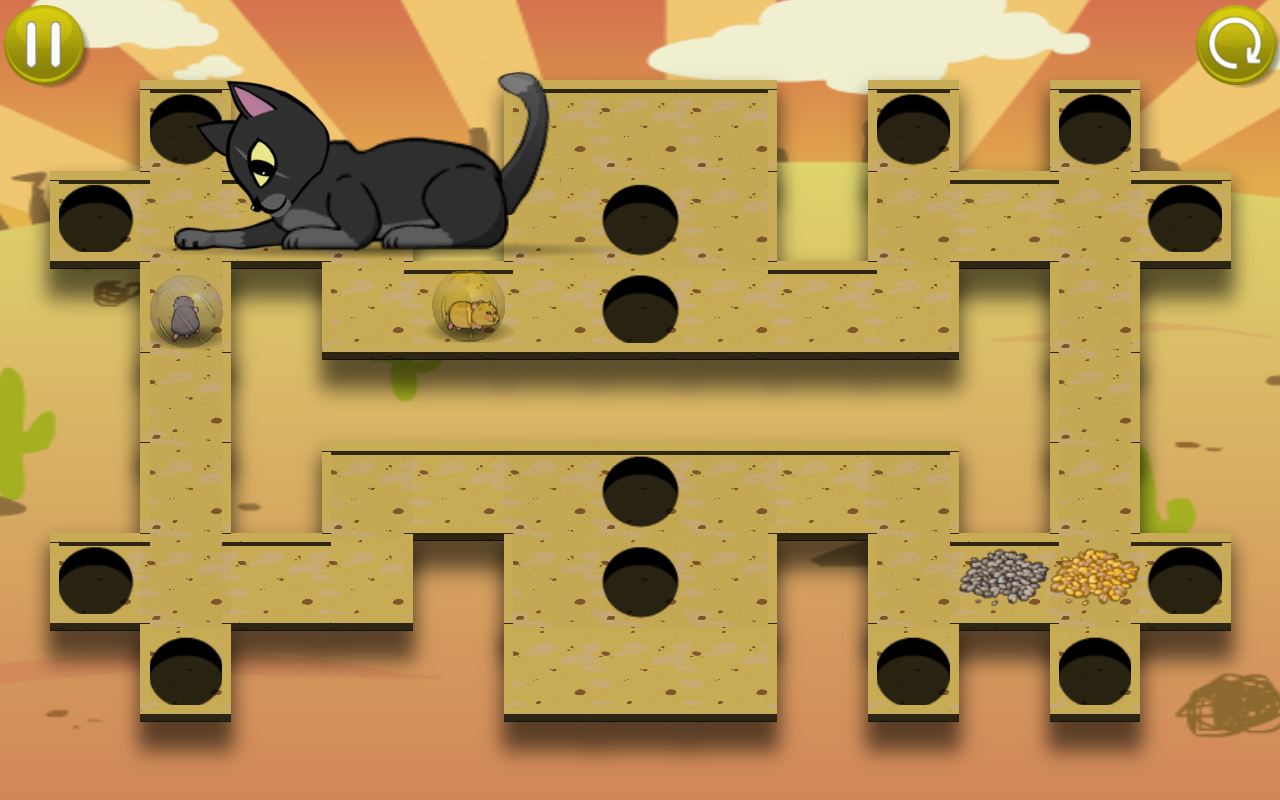
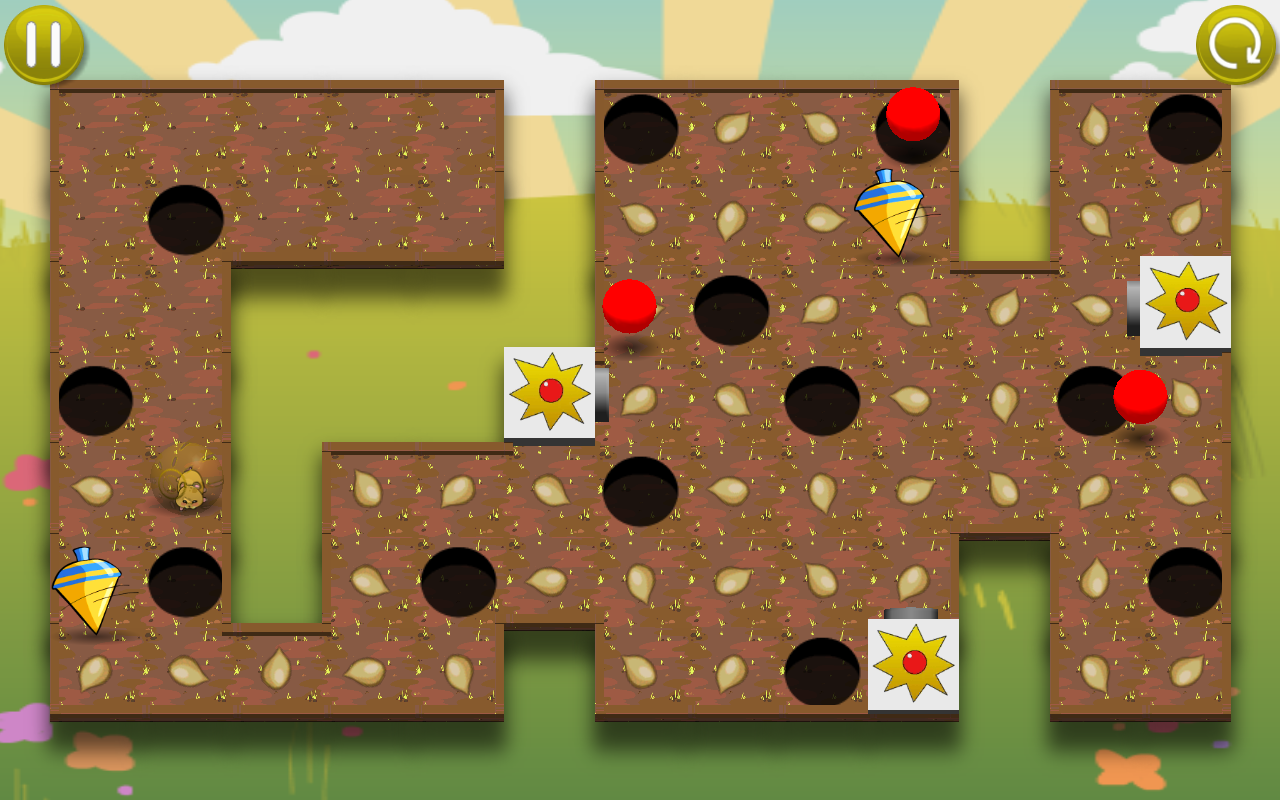
Hamster Chase is a mobile accelerometer puzzle game where you tilt the device to get all the hamsters within their hamster balls onto their seed piles. It's my second attempt at a successful mobile game, and my first where I leverage a cartoony theme as many popular mobile games do. I commissioned Meta3D studios to do all the art, and NovyPR to do the release blast rather than trying to do both myself.
It did not reach the success I had hoped for, and I never wrote a post-mortem. I think the game would have done better had I released it as a free app designed around a solid in-app purchase model, and made regular updates to it with new features and achievements.
You can see the virtual hamster cage at Gamieon.com and click on the hamsters. If you do it enough they may tell a joke!
You can get Hamster Chase from:
iTunes - Itunes.apple.com
Google Play - Play.google.com
Windows Phone - Windowsphone.com
Domino Arena (2013)
Homepage: Indiedb.com


Have you ever had an idea for a game that floated around your head for over a year, and you knew it wouldn't be popular but you finally wrote it anyway just to get it out of your head? That's Domino Arena. The objective is to alter the course of falling dominoes that change color as they fall so that as many of them become your color as possible.
I released it just to see how it would do, and as expected it didn't garner a lot of interest. You can play it from:
iTunes - Itunes.apple.com
Google Play - Play.google.com
GameJolt - Gamejolt.com
Domino Arena - Kongregate.com
Paper Cowboys (2013)
Homepage: Indiedb.com
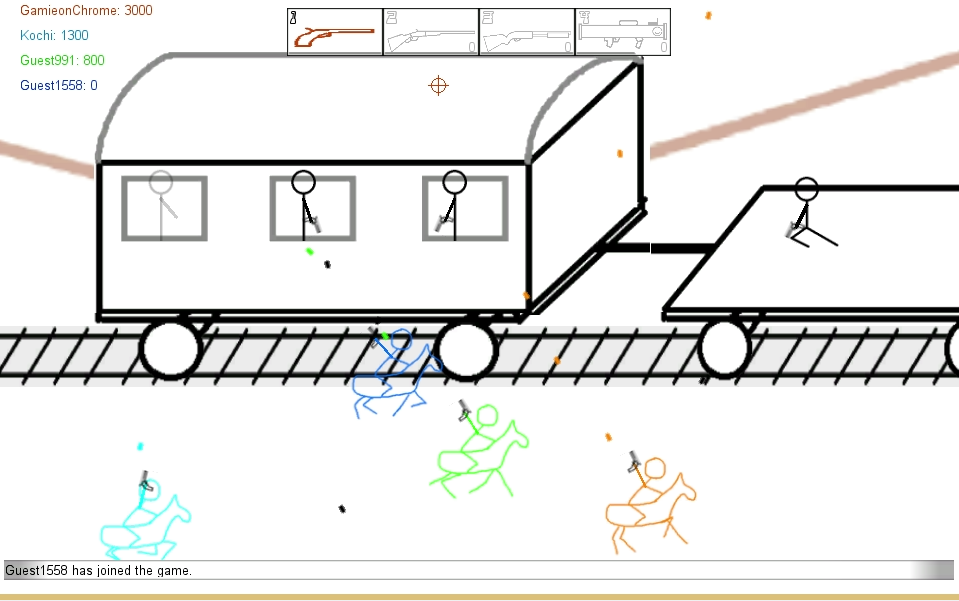
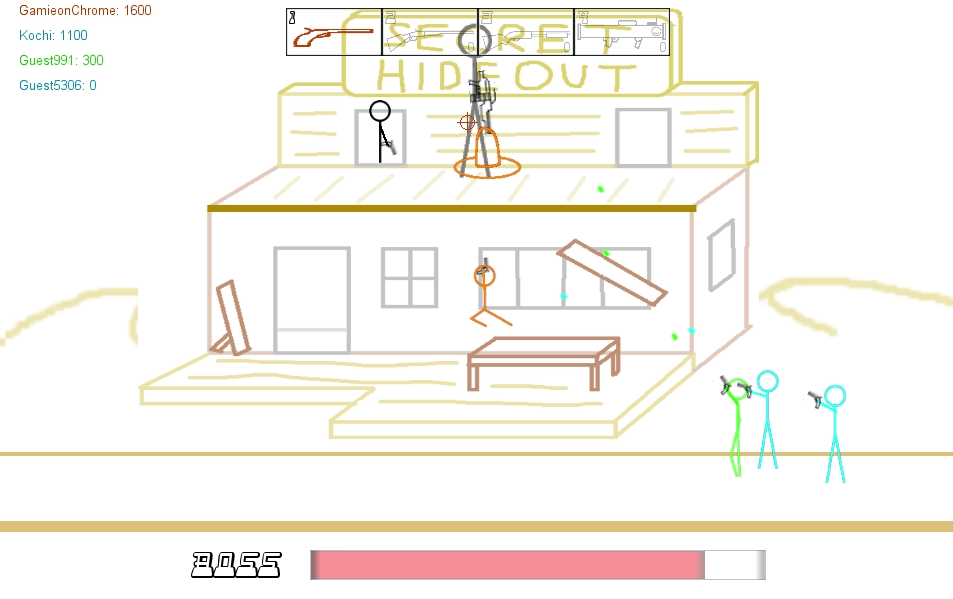
This game marked a turn in my development philosophy. Instead of trying to develop a new concept, I decided to see how fast I could make an online stick-figure western platform shooter. I finished it in 48 total hours. You can play the released version at:
you can see the post-mortem at:
It received enough views and positive comments to motivate me into commissioning Meta3D studios a version with all new papercraft art. In another change of my development philosophy, I put the entire game design in their hands and limited my role only to programmer. This project is still in development at the time of this writing.
Tiltz Tournament (2014)
Homepage: Indiedb.com
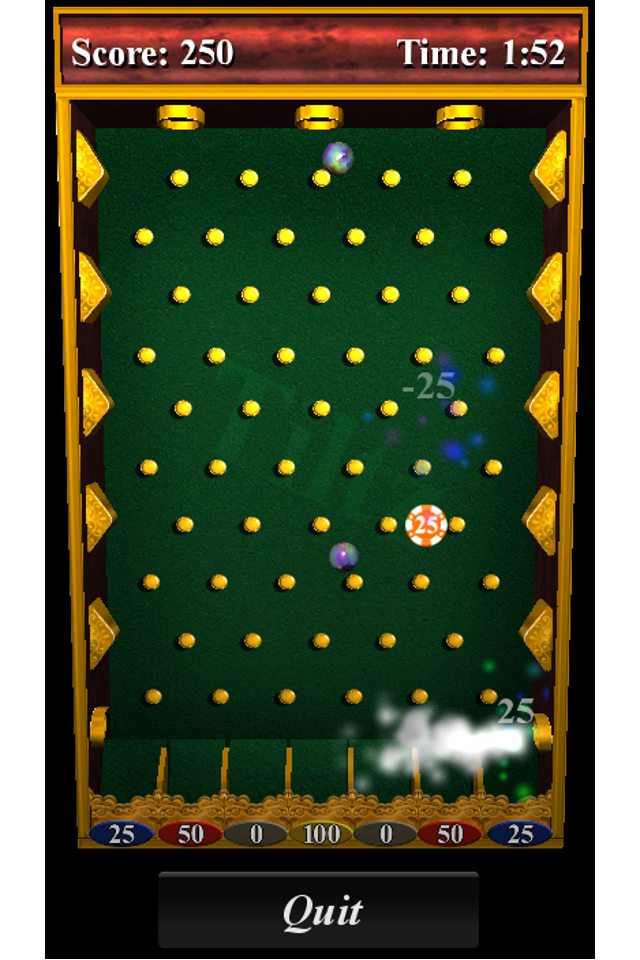
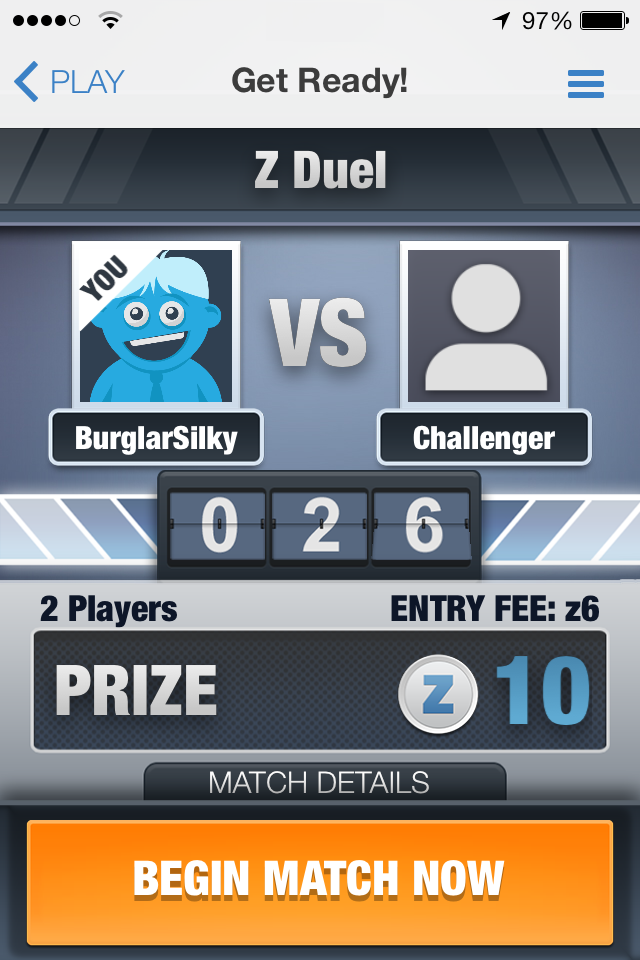
Skillz, a company developing a mobile multiplayer platform with real cash prizes, approached me about adding part of Tiltz to their lineup. Tiltz Tournament basically takes the Tiltz mini-game of trying to make marbles fall into point slots, and makes it so players can compete online and win money by getting the higher score.
I abandoned the project after a quiet release and after I lost personal interest in it. There is no post-mortem for this game. You can try it at:
iTunes - Itunes.apple.com
Downloads / Plays from Nov 30, 2010 - Jan 14, 2015
Tiltz
iOS - ~36,400
Android - 44,638
Hyperspace Pinball
iOS - ~18,080
Android - 96,922
Desura - 874
Hamster Chase
iOS - ~30,600
Android - 47,104
Windows Phone - 9,397
Domino Arena
iOS - ~4,870
Android - 2,615
GameJolt - 177
Kongregate - 457
Tiltz Tournament
iOS - 127
Paper Cowboys
GameJolt - 6,460
Total downloads/plays: ~298,720
Total income: (I'm omitting this number; I will say however that none of my projects have ever made a profit)
Some Lessons I've Learned
- Few things can be as fun to a game developer as getting together with some friends and walking to a restaurant and back; all the while discussing ideas for video games.
- Mentors are powerful allies in helping you learn how to develop games.
- If you need a powerful game engine, first make sure you really need it and then look at third party solutions before you consider writing your own.
- Careful planning and doing things right don't guarantee a successful, profitable release. It does however greatly increase your chances.
- Development is very risky when you do it by yourself; there's nobody else around to error check your plans, your designs and your code.
- There is always room for another popular game with simple graphics and addicting game play.
- Learn and use source control early on. You'll thank yourself later.
- If your goal is to make money, design the monetization model for your game as early as you start designing the game.
- Graphics are great for getting attention; game play is great for keeping it.
- Never underestimate the success of a game that users can mod.
- Set goals and limits. Decide the project must be done in X months. Decide there will be between Y and Z levels, and don't be afraid to narrow things down along the way.
- Avoid feature creep. It increases development time and takes time away from your more exciting future projects.
- When you contract work out to other studios, they become an extension of your core team. Treat them with immediacy, courtesy and respect.
- A professional is just that because they make the difficult look easy.
- Maintain a news feed for your projects early on. More exposure time means more time to get new readers, and more of a chance for big media sources to take notice and write about your game.
- Try to make every news update count. A long string of very minor updates can bore readers and clog up news feeds which may include more important things like release announcements from other studios.
- Maintaining a developer journal with how-to's and fix-it's is a good thing. It helps other developers when they're stuck with the same problems you had, helps you track your knowledge growth, and can even make you new friends.
- Don't ignore insightful critics. They want your game to be better and cared enough to write about how to do it.
- Envy of other developers' successes can take fun and feelings of accomplishment away from game development. Discouragement and frustration will keep you from learning important lessons they may share, and make you think you're not as good as you are.
- Don't work hard; work smart. If you need a tool that has already been developed, use that one. If your stuck on a problem or your project is moving too slowly, ask for help.
- Make sure your Android apps request only the permissions they need.
- A developer should eventually outgrow the "code-and-fix" process into something more structured and fit for large projects.
- It's more challenging to find an audience with an original and untested concept than it is with a proven concept or clone of another game.
- Insanity is indeed doing the same thing over and over and expecting different results.
- The learning never stops.
The Future
Although most of my releases were for mobile platforms, I've wanted to release a game on Steam for a long time. I'm working closely with Meta3D studios to try to make it happen with a papercraft version of Paper Cowboys. They are doing not only the art, but also the game design this time. My roles are now "programmer" and "guy who has the final say-so on certain questions."
I still have an itch to make a sandbox simulation where people can create Rube Goldberg machines together online. It goes back to my favorite project Dominoze which I think could even be remade as a mobile puzzle game with the right team and taking into consideration all the lessons learned from the original.
Lastly I'd like to see if Field of Heroes has a future in a collaboration with another studio. I have a general idea of how I want the game to work, and it's definitely not something I want to design or program alone.
Special Recognitions
Eric Barth, Jeff Gordon, Jordan Pelovitz, Yisroel Goldstein, Hélder Gomes, Russ McMackin, Bryan Taylor, and Jarien Strutts all helped me with art and level designs in Dominoze, so thanks again to them. Mick Rippon donated numerous songs to the project, and thanks also go to George Toderici for all the advice and web links that helped me with video engine development!
The Hyperspace Pinball playfield was also modeled by Jeff Gordon.
I commissioned Meta3D studios and NovyPR to do the artwork and release blast for Hamster Chase respectively; thanks to them for a great job!
Check out my homepage and social feeds


And my projects!


The Issue
I'm developing an online soccer game for UE4 which you can get from Github.com for now. During game play, the soccer ball can be in one of two states: Freely moving; or in possession. When freely moving, the ball moves by physics simulation. When in possession, the ball is always in front of the possessing character.
I noticed during online testing that the ball position and velocity on the client instances would deviate from the server when freely moving. Thinking I was doing something wrong with replication, I went into the editor and tried every combination of replication flags to fix it to no avail. Some Googling on the matter did not reveal a solution.
The Solution
I resolved to just deal with the issue myself in the same way I did in my Unity projects using lessons from Developer.valvesoftware.com . The server would simulate ball physics, and the clients would constantly be fed the ball orientation from the server. The clients would use interpolation/extrapolation to smoothly move their instance of the ball to where the server says it should be.
Physics Simulation
On the server, the soccer ball physics are simulated and collision detection handled when the ball is not in possession. On clients I ensure the physics are never simulated and that collision detection is always off like so:
cpp code:
/** This occurs when play begins */
void AMagicBattleSoccerBall::BeginPlay()
{
Super::BeginPlay();
if (Role < ROLE_Authority)
{
// The server manages the game state; the soccer ball will be replicated to us.
// Physics however are not replicated. We will need to have the ball orientation
// replicated to us. We need to turn off physics simulation and collision detection.
UPrimitiveComponent *Root = Cast<uprimitivecomponent>(GetRootComponent());
Root->PutRigidBodyToSleep();
Root->SetSimulatePhysics(false);
Root->SetEnableGravity(false);
SetActorEnableCollision(false);
}
else
{
// Servers should add this soccer ball to the game mode cache.
// It will get replicated to clients for when they need to access
// the ball itself to get information such as who possesses it.
AMagicBattleSoccerGameState* GameState = GetGameState();
GameState->SoccerBall = this;
}
}
Replication
There are three ball properties that must be replicated:
- Orientation - This is the position and rotation of the ball
- Velocity - This is used for extrapolation. If the server is slow to replicate data, the client should be able to predict where the ball is going while waiting for more data to come in.
- Timestamp - The other properties require a context in time for proper interpolation/extrapolation. Sure the ball was at XYZ...but when was it there?
I created a USTRUCT with these properties which I call FSmoothPhysicsState.
cpp code:
USTRUCT()
struct FSmoothPhysicsState
{
GENERATED_USTRUCT_BODY()
UPROPERTY()
uint64 timestamp;
UPROPERTY()
FVector pos;
UPROPERTY()
FVector vel;
UPROPERTY()
FRotator rot;
FSmoothPhysicsState()
{
timestamp = 0;
pos = FVector::ZeroVector;
vel = FVector::ZeroVector;
rot = FRotator::ZeroRotator;
}
};
The ball has a FSmoothPhysicsState which I define as such:
cpp code:
/** The soccer ball orientation on the server */
UPROPERTY(ReplicatedUsing = OnRep_ServerPhysicsState)
FSmoothPhysicsState ServerPhysicsState;
UFUNCTION()
void OnRep_ServerPhysicsState();
and each client tracks the last twenty states (defined as PROXY_STATE_ARRAY_SIZE) in the replication function:
cpp code:
void AMagicBattleSoccerBall::OnRep_ServerPhysicsState()
{
// If we get here, we are always the client. Here we store the physics state
// for physics state interpolation.
// Shift the buffer sideways, deleting state PROXY_STATE_ARRAY_SIZE
for (int i = PROXY_STATE_ARRAY_SIZE - 1; i >= 1; i--)
{
proxyStates[i]= proxyStates[i - 1];
}
// Record current state in slot 0
proxyStates[0] = ServerPhysicsState;
// Update used slot count, however never exceed the buffer size
// Slots aren't actually freed so this just makes sure the buffer is
// filled up and that uninitalized slots aren't used.
proxyStateCount = FMath::Min(proxyStateCount + 1, PROXY_STATE_ARRAY_SIZE);
// Check if states are in order
if (proxyStates[0].timestamp < proxyStates[1].timestamp)
{
UE_LOG(LogOnlineGame, Verbose, TEXT("Timestamp inconsistent: %d should be greater than %d"), proxyStates[0].timestamp, proxyStates[1].timestamp);
}
}
Timestamps
I previously wrote that the replicated properties require a context in time. Though clients gets server timestamps, a client's current time may not be exactly the same time as the server's. The clients need to know the server's time throughout the game for proper interpolation/extrapolation.
To accomplish this, the client does the following:
- Get the server's time
- Calculate the difference between the server's time and its own time, and stores it in memory
- Any time the client needs to know the server's time, the client will get its own time and add the value from step 2 to it.
I'll expand on these steps here:
Step 1
- The client gets its own system time and stores it in a variable we call "Tc"
- The client sends an RPC to the server requesting the server's system time
- The server gets the client RPC. The server then gets its own system time, and responds to the client with that value.
- The client gets the server RPC and stores the value in "Ts"
- Immediately after that, the client gets its own system time again, subtracts "Tc" from it, and stores the result in "Tt"
So now we have three values:
- Tc - The system time of the client when it sent the RPC request for step 1 to the server
- Ts - The system time of the server when it received the RPC request from step 1
- Tt - The total length of time it took for the client to get the server's time
Step 2
Ts was the server's time when it received the RPC; so at the moment the client gets it, the time on the server is actually Ts + (the time it took to send Ts to the client). I'm going to estimate the time it took to send Ts to the client as Tt/2 since Tt is the duration of the entire two-RPC exchange.
Therfore at time Tc, the time on the server was approximately (Ts - Tt/2).
I'll repeat myself because this is important:
Therfore at time Tc, the time on the server was approximately (Ts - Tt/2).
Now that we know this, we can calculate the difference between the server time and client time, and store it in a new value we call "Td"
Td = (Ts - Tt/2) - Tc
Step 3
Now that we know Td, we can calculate the server's approximate time. Since:
Td = (Ts - Tt/2) - Tc
we can add Tc to both sides:
(Ts - Tt/2) = Tc + Td
and interpret the equation to mean:
The server time = The client time + Td
Here are some relevant snippets from my implementation:
/** Gets the current system time in milliseconds */
/* static */ int64 AMagicBattleSoccerPlayerController::GetLocalTime()
{
	milliseconds ms = duration_cast< milliseconds >(
		high_resolution_clock::now().time_since_epoch()
		);
	return (int64)ms.count();
}

void AMagicBattleSoccerPlayerController::BeginPlay()
{
	Super::BeginPlay();

	// Ask the server for its current time
	if (Role < ROLE_Authority)
	{
		timeServerTimeRequestWasPlaced = GetLocalTime();
		ServerGetServerTime();
	}
}

bool AMagicBattleSoccerPlayerController::ServerGetServerTime_Validate()
{
	return true;
}

/** Sent from a client to the server to get the server's system time */
void AMagicBattleSoccerPlayerController::ServerGetServerTime_Implementation()
{
	ClientGetServerTime(GetLocalTime());
}

/** Sent from the server to a client to give them the server's system time */
void AMagicBattleSoccerPlayerController::ClientGetServerTime_Implementation(int64 serverTime)
{
	int64 localTime = GetLocalTime();

	// Calculate the server's system time at the moment we actually sent the request for it.
	int64 roundTripTime = localTime - timeServerTimeRequestWasPlaced;
	serverTime -= roundTripTime / 2;

	// Now calculate the difference between the two values
	timeOffsetFromServer = serverTime - timeServerTimeRequestWasPlaced;

	// Now we can safely say that the following is true
	//
	// serverTime = timeServerTimeRequestWasPlaced + timeOffsetFromServer
	//
	// which is another way of saying
	//
	// NetworkTime = LocalTime + timeOffsetFromServer

	timeOffsetIsValid = true;
}

/** Gets the approximate current network time in milliseconds. */
int64 AMagicBattleSoccerPlayerController::GetNetworkTime()
{
	return GetLocalTime() + timeOffsetFromServer;
}
I'm treating Td as a constant in my implementation. I don't expect the server and client clocks to be running at paces different enough to become significant in the time it takes to finish a game. I also don't want Td to change because the ball movement implementation expects time to always be moving forward instead of going back and forth every so often.
You may also wonder "Why do this from APlayerController and not the ball?" Look at these requirements for clients sending RPC's to the server from
- They must be called from Actors.
- The Actor must be replicated.
- If the RPC is being called from server to be executed on a client, only the client who actually owns that Actor will execute the function.
- If the RPC is being called from client to be executed on the server, the client must own the Actor that the RPC is being called on.
The client does not own the soccer ball, thereby failing requirement 4. The client however owns their player controller, and that object meets all the criteria.
Client Movement
During game play the client will get a stream of ball properties from the server. A critical thing to remember is that those properties are always out-of-date because it takes time for them to get from the server to the client. On the client, the ball is perpetually "catching up to where it is on the server." To make the ball do this smoothly, I use interpolation and extrapolation like so:
cpp code:
/** Simulates the free movement of the ball based on proxy states */
void AMagicBattleSoccerBall::ClientSimulateFreeMovingBall()
{
AMagicBattleSoccerPlayerController* MyPC = Cast<AMagicBattleSoccerPlayerController>(UGameplayStatics::GetPlayerController(GetWorld(), 0));
if (nullptr == MyPC || !MyPC->IsNetworkTimeValid() || 0 == proxyStateCount)
{
// We don't know yet know what the time is on the server yet so the timestamps
// of the proxy states mean nothing; that or we simply don't have any proxy
// states yet. Don't do any interpolation.
SetActorLocationAndRotation(ServerPhysicsState.pos, ServerPhysicsState.rot);
}
else
{
uint64 interpolationBackTime = 100;
uint64 extrapolationLimit = 500;
// This is the target playback time of the rigid body
uint64 interpolationTime = MyPC->GetNetworkTime() - interpolationBackTime;
// Use interpolation if the target playback time is present in the buffer
if (proxyStates[0].timestamp > interpolationTime)
{
// Go through buffer and find correct state to play back
for (int i=0;i<proxyStateCount;i++)
{
if (proxyStates[i].timestamp <= interpolationTime || i == proxyStateCount-1)
{
// The state one slot newer (<100ms) than the best playback state
FSmoothPhysicsState rhs = proxyStates[FMath::Max(i - 1, 0)];
// The best playback state (closest to 100 ms old (default time))
FSmoothPhysicsState lhs = proxyStates[i];
// Use the time between the two slots to determine if interpolation is necessary
int64 length = (int64)(rhs.timestamp - lhs.timestamp);
double t = 0.0F;
// As the time difference gets closer to 100 ms t gets closer to 1 in
// which case rhs is only used
if (length > 1)
t = (double)(interpolationTime - lhs.timestamp) / (double)length;
// if t=0 => lhs is used directly
FVector pos = FMath::Lerp(lhs.pos, rhs.pos, t);
FRotator rot = FMath::Lerp(lhs.rot, rhs.rot, t);
SetActorLocationAndRotation(pos, rot);
return;
}
}
}
// Use extrapolation
else
{
FSmoothPhysicsState latest = proxyStates[0];
uint64 extrapolationLength = interpolationTime - latest.timestamp;
// Don't extrapolate for more than [extrapolationLimit] milliseconds
if (extrapolationLength < extrapolationLimit)
{
FVector pos = latest.pos + latest.vel * ((float)extrapolationLength * 0.001f);
FRotator rot = latest.rot;
SetActorLocationAndRotation(pos, rot);
}
else
{
// Don't move. If we're this far away from the server, we must be pretty laggy.
// Wait to catch up with the server.
}
}
}
}
I want to explain the two variables used in ClientSimulatePhysicsMovement():
interpolationBackTime - This variable means "Our instance of the ball is going to be (interpolationBackTime) milliseconds in time behind the server." In my snippet it's hard-coded to 100 because I'd like the average client ping to be at or below that. Why can't we say "well just make it 0 so the ball is always in the present?" Because remember that it takes time for the ball properties to be transmitted to the client; we can't know where it is on the server at the present. If you did set it to 0 then I think the ball would be jumping all over the screen during game play as if to say "whoops I'm supposed to be here, whoops my bad I should have been there, whoops I fell behind again..."
extrapolationLimit - If the server suddenly stops sending data to a client for a second or more, all the client can really do is keep the ball moving in the same direction and hope it's right. You've probably seen objects freeze or "rubberband" in network games; that's because the replication was briefly interrupted on the server and the client wrongly assumed objects were at certain places before new replicated data showed otherwise.
Results
I did get the soccer ball to appear reasonably in sync on LAN clients with this implementation, but have not yet tested over a WAN connection with higher latency. I think there will be some more fine tuning of the code before it's ready for general release. I still feel like I unnecessarily reinvented some wheel here given how advanced the Unreal Engine is though I enjoyed writing and testing the code regardless.
Check out my homepage and social feeds


And my projects!


Yesterday my game started crashing out of the blue. The output window had content that resembled this snippet from Answers.unrealengine.com :
[ 79]LogOutputDevice:Warning:
Script Stack:
Actor.OnRep_AttachmentReplication
Assertion failed: !bRegistered || AttachParent->AttachChildren.Contains(this) [File:D:\BuildFarm\buildmachine_++depot+UE4-
Releases+4.5\Engine\Source\Runtime\Engine\Private\SceneComponent.cpp] [Line: 903]
Attempt to detach SceneComponent 'Default Root' owned by 'BP_Bow_C_1' from AttachParent 'CharacterMesh0' while not attached.
UE4Editor.exe has triggered a breakpoint.
In my case I had recently removed a component from my player pawn, so I think that was related. I double checked that things were running fine in the editor and that the pawn looked legit. I also made sure nothing more suspicious than usual appeared in the output log. Thinking the game and editor were somehow "out of sync" I started trying random things like rebuilding all from VS2013. It was the act of cooking the content in the editor, however, that made the problem go away.
So if you suddenly get random errors in DebugGame mode, try cooking the content from the editor to fix it.
Check out my homepage and social feeds


And my projects!


Though I'm still new to the Unreal Editor and behavior trees, I wanted to create a primitive soccer simulation for a game I'm prototyping. You can get the code in its current form at:
Getting Started
The first part of my journey was learning how "Blueprints" work in the Unreal Editor. I consider a blueprint to be a graphical representation of code. By graphical I mean both pixels-on-the-screen and boxes-connected-to-other-boxes-by-pointy-arrows. You can learn more about how they work at:
The second part of my journey was learning how "Behavior Trees" work. Buried in Google search results full of complicated papers and tutorials that blew my mind, I managed to find this little gem:
That article clicked with me and I felt like I understood the basics after just one read.
Setting the Rules
My first step into creating a soccer simulation was to establish a purpose and basic rules for the simulation:
- The objective is to get the soccer ball into the enemy goal.
- Each team has eleven players on the field at a time.
- Each player is confined to an area on the field which I call "action zone."
- Each player's purpose is to contribute to the objective for their team.
- A player's only interaction with the soccer ball is to kick it into the goal or to a teammate.
Seen here is the reference I chose for assigning field positions for a soccer game
Entities
With the rules established, I made a list of the different entities on the field that need to be tracked by a single player:
- Ball
- Enemy goal
- Teammates
- Enemy players
Note the absence of the role of the friendly goal. After several failed attempts at developing the behavior tree, I decided to create a tree that was to be used by every player; everyone from the goalie to the offensive players. I'm not going for perfect; I'm going for simple until I get better at this. Since none of my tree logic factors in the friendly goal, I'm not counting it as an entity here.
Binary Decision tree
I'm new to behavior trees but not to basic problem solving. After several failed attempts, I came up with a simple decision tree that I could apply to every player on the field:
code:
- Is the ball in a goal?
Yes
- Is it in your goal?
Yes
A. Celebrate
No
B. Shrug
No
- Do you possess the ball?
Yes
- Are you close to the goal?
Yes
- Is there an obstacle in the kick line?
No
C. Take a shot
Yes
- Is it an enemy?
Yes
- Is another nearby teammate not close to any enemies and unobstructed?
Yes
D. Pass the ball toward the teammate
No
E. Run around enemy toward goal
No
F. Run around obstacle toward goal
No
- Is another teammate in front of you closer to the goal, not close to any enemies and unobstructed?
Yes
G. Pass the ball toward the player
No
H. Run toward goal
No
- Does a player on your team have possession of the ball?
Yes
- Are there enemies within a close distance to the player?
Yes
I. Pursue enemy closest to player
No
J. Run in parallel direction to friendly possessor up to the goal
No
- Does an enemy possess the ball?
Yes
K. Pursue enemy
No
- Is an enemy in the line between you and the ball?
Yes
L. Pursue obstructing enemy
No
M. Pursue ball
Yes
- Is it in your goal?
Yes
A. Celebrate
No
B. Shrug
No
- Do you possess the ball?
Yes
- Are you close to the goal?
Yes
- Is there an obstacle in the kick line?
No
C. Take a shot
Yes
- Is it an enemy?
Yes
- Is another nearby teammate not close to any enemies and unobstructed?
Yes
D. Pass the ball toward the teammate
No
E. Run around enemy toward goal
No
F. Run around obstacle toward goal
No
- Is another teammate in front of you closer to the goal, not close to any enemies and unobstructed?
Yes
G. Pass the ball toward the player
No
H. Run toward goal
No
- Does a player on your team have possession of the ball?
Yes
- Are there enemies within a close distance to the player?
Yes
I. Pursue enemy closest to player
No
J. Run in parallel direction to friendly possessor up to the goal
No
- Does an enemy possess the ball?
Yes
K. Pursue enemy
No
- Is an enemy in the line between you and the ball?
Yes
L. Pursue obstructing enemy
No
M. Pursue ball
Notice how the farther down in the tree you go, the farther away you are from the purpose of the simulation which is to get the ball into the enemy goal. Here's a summary view of it in reverse order; note how it generally follows the progression of a soccer game:
- Go after the ball
- Pursue the enemy who possesses the ball
- Have the team maintain ball control and work with teammates to get the ball to the goal
- Kick the ball into the goal
- Celebrate the goal
What Does "Pursue" Mean?
When a player pursues the ball, all they're doing is running to it. Once the player overlaps the ball's collision sphere, the game assigns them possession and the ball will always be in front of their feet no matter how they turn or run. The only way that a player can lose possession is if they or an enemy player kicks the ball away.
When a player pursues an enemy, all they do is run up to them and kick the ball away if they have possession. As I plan for this game to involve on-field fighting ala League of Legends or Diablo 3, I'm purposefully not doing anything more with player pursuits until I design the battle system.
Leaf actions (tasks)
Once I had a decision tree I was content with, I turned my attention to the leaf actions in the tree and grouped them by purpose:
code:
1. GoalFanfare (Is the ball in a goal?)
A. Celebrate
B. Shrug
2. ScoreGoal (Do you possess the ball?)
C. Take a shot
D. Pass the ball toward the teammate
E. Run around enemy toward goal
F. Run around obstacle toward goal
G. Pass the ball toward the player
H. Run to goal
3. DefendPossessor (Does a teammate possess the ball?)
I. Pursue enemy closest to player
J. Run in parallel direction to friendly possessor
4. AttackPossessor (Does an enemy possess the ball?)
K. Pursue enemy possessor
L. Pursue obstructing enemy
5. Pursue the ball (Nobody possesses the ball)
M. Pursue ball
A. Celebrate
B. Shrug
2. ScoreGoal (Do you possess the ball?)
C. Take a shot
D. Pass the ball toward the teammate
E. Run around enemy toward goal
F. Run around obstacle toward goal
G. Pass the ball toward the player
H. Run to goal
3. DefendPossessor (Does a teammate possess the ball?)
I. Pursue enemy closest to player
J. Run in parallel direction to friendly possessor
4. AttackPossessor (Does an enemy possess the ball?)
K. Pursue enemy possessor
L. Pursue obstructing enemy
5. Pursue the ball (Nobody possesses the ball)
M. Pursue ball
This list helped define the general shape and traversal of my behavior tree:
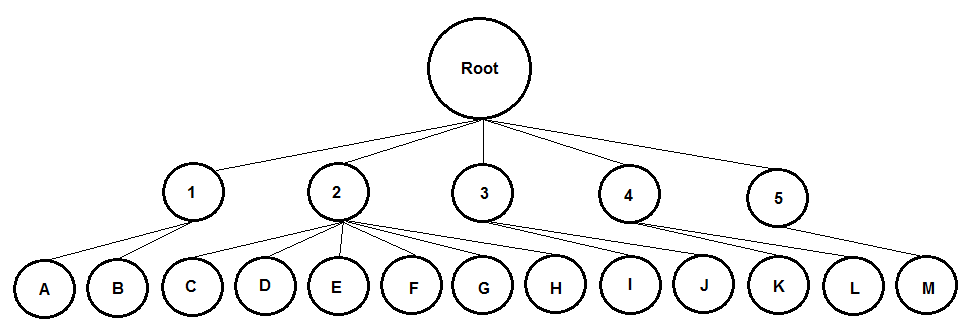
The behavior tree would have a root node with five children below the root. Each child node would have one or more children of its own called "leaf" nodes since they themselves have no children. The tree traversal would start at the root node, then go through the child nodes from left to right until it finds one that is true. From there all of the leaf nodes (which from hereon I'll call "tasks") for that child are traversed from left to right until an action is decided on and performed by the player.
Spltting up Tasks
Now that my behavior tree prototype was done, I had to make some decisions: Should I split any tasks into new subtrees with their own tasks? What functions do I need to write? Would I share data between tasks?
I decided to start by breaking up the tasks by modularity. In Unreal Editor a task is a standalone function which you may create and use in more than one place in a behavior tree. Tasks have access to shared variables stored in a "blackboard" which any task can read or write from. I looked at what tasks I could possibly modularize:
code:
1. GoalFanfare (Is the ball in a goal?)
A. Celebrate
B. Shrug
2. ScoreGoal (Do you possess the ball?)
C. Take a shot
D. ** Pass the ball **
E. ** Run to goal (use Unreal's internal pathfinding to avoid obstacles) **
F. ** Run to goal (use Unreal's internal pathfinding to avoid obstacles) **
G. ** Pass the ball **
H. ** Run to goal (use Unreal's internal pathfinding to avoid obstacles) **
3. DefendPossessor (Does a teammate possess the ball?)
I. ** Pursue enemy **
J. Run in parallel direction to friendly possessor
4. AttackPossessor (Does an enemy possess the ball?)
K. ** Pursue enemy **
L. ** Pursue enemy **
5. Pursue the ball (Nobody possesses the ball)
M. Pursue ball
A. Celebrate
B. Shrug
2. ScoreGoal (Do you possess the ball?)
C. Take a shot
D. ** Pass the ball **
E. ** Run to goal (use Unreal's internal pathfinding to avoid obstacles) **
F. ** Run to goal (use Unreal's internal pathfinding to avoid obstacles) **
G. ** Pass the ball **
H. ** Run to goal (use Unreal's internal pathfinding to avoid obstacles) **
3. DefendPossessor (Does a teammate possess the ball?)
I. ** Pursue enemy **
J. Run in parallel direction to friendly possessor
4. AttackPossessor (Does an enemy possess the ball?)
K. ** Pursue enemy **
L. ** Pursue enemy **
5. Pursue the ball (Nobody possesses the ball)
M. Pursue ball
I broke every task with ** in two: One is the modular task that can be used in multiple places in the tree, and the other is the task that calculates what data to give to that modular task. I changed my behavior tree to look like this:
code:
1. GoalFanfare (Is the ball in a goal?)
A. Celebrate
B. Shrug
2. ScoreGoal (Do you possess the ball?)
C. Take a shot
D1. Find a nearby teammate we can pass to
D2. ** Pass the ball **
E1. Determine if an enemy is obstructing our route to the goal
E2. ** Run to goal **
F1. Determine if a non-enemy actor is obstructing our route to the goal
F2. ** Run to goal **
G1. Determine if there is a player closer to the goal we can pass to
G2. ** Pass the ball **
H. ** Run to goal **
3. DefendPossessor (Does a teammate possess the ball?)
I1. Determine if an enemy is near the possessor
I2. ** Pursue enemy **
J. Run in parallel direction to friendly possessor
4. GetPossession (Ball is still in play but nobody on our team possesses it)
K1. Determine if an enemy possesses the ball
K2. ** Pursue enemy **
L1. Determine if an enemy is in the way between you and the ball
L2. ** Pursue enemy **
M. Pursue ball
A. Celebrate
B. Shrug
2. ScoreGoal (Do you possess the ball?)
C. Take a shot
D1. Find a nearby teammate we can pass to
D2. ** Pass the ball **
E1. Determine if an enemy is obstructing our route to the goal
E2. ** Run to goal **
F1. Determine if a non-enemy actor is obstructing our route to the goal
F2. ** Run to goal **
G1. Determine if there is a player closer to the goal we can pass to
G2. ** Pass the ball **
H. ** Run to goal **
3. DefendPossessor (Does a teammate possess the ball?)
I1. Determine if an enemy is near the possessor
I2. ** Pursue enemy **
J. Run in parallel direction to friendly possessor
4. GetPossession (Ball is still in play but nobody on our team possesses it)
K1. Determine if an enemy possesses the ball
K2. ** Pursue enemy **
L1. Determine if an enemy is in the way between you and the ball
L2. ** Pursue enemy **
M. Pursue ball
I needed only two Blackboard variables for passing data from one task to another:
- KickTargetActor (read by "Pass the ball" and "Take a shot")
- PursuitActor (read by "Pursue enemy" and "Pursue ball")
Task Development
I won't bore you with how I developed the blueprint for each task here, but I will say that I tried to keep all of them small and modular where possible. I thought about posting screenshots but that would be like posting random snippets of code with no context. Instead you can see a screenshot of the final behavior tree here.

You may notice that the child nodes have "blue things" on them. Those are Unreal Editor-specific elements called "decorators." You can use them as a switch to tell the traversal whether it should iterate through the tasks for that child node. Here's the complete blueprint for my decorator that informs the traversal whether the soccer ball is in a goal:
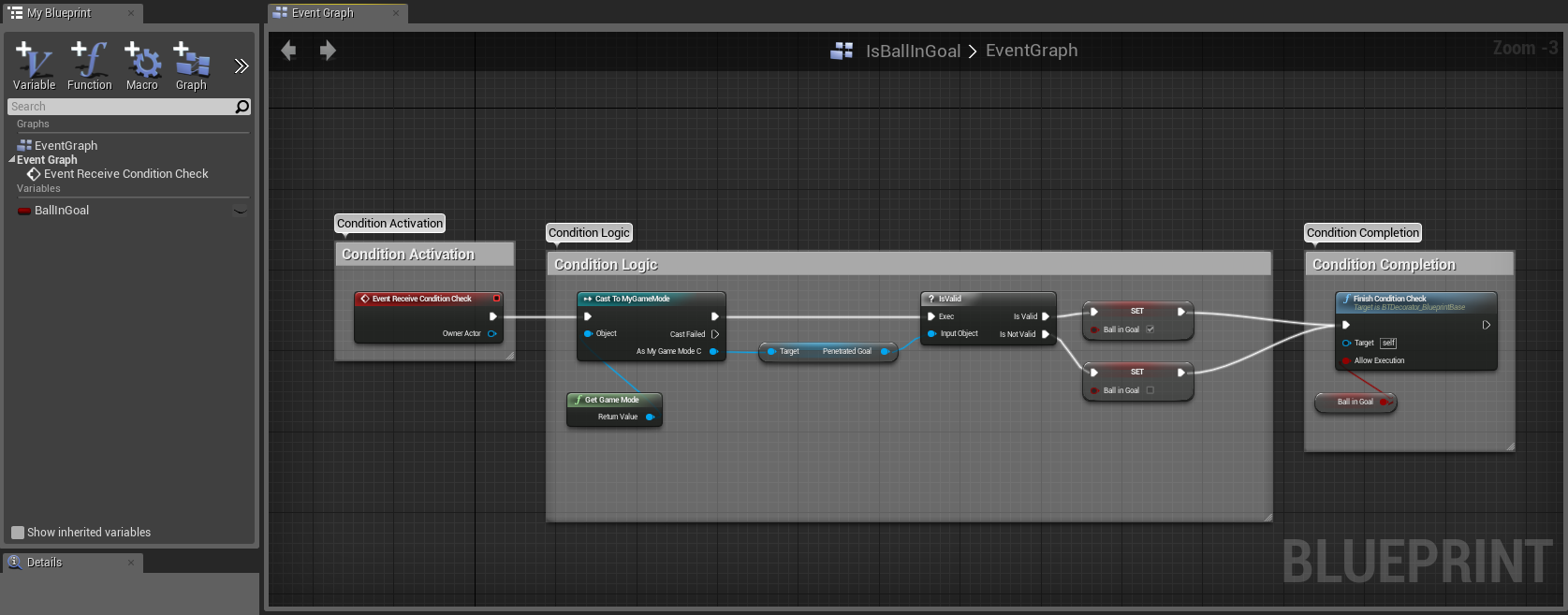
Task Testing
While developing tasks I bounced back and forth between blueprinting and testing to make sure all my changes worked. It was after all the tasks were written that I got the idea to write manual "Unit Tests." I would create one scene for each behavior tree traversal to verify it worked through manual observation. This definitely helped because two of the "Unit Tests" revealed bugs that would have been much harder to pin down in a full simulation. Here are some poorly lit screenshots of:
- A player kicking the ball into the net
- A player passing to a teammate that is farther away from a row of enemies than another teammate
- A 2v2 clump of players pursuing the ball
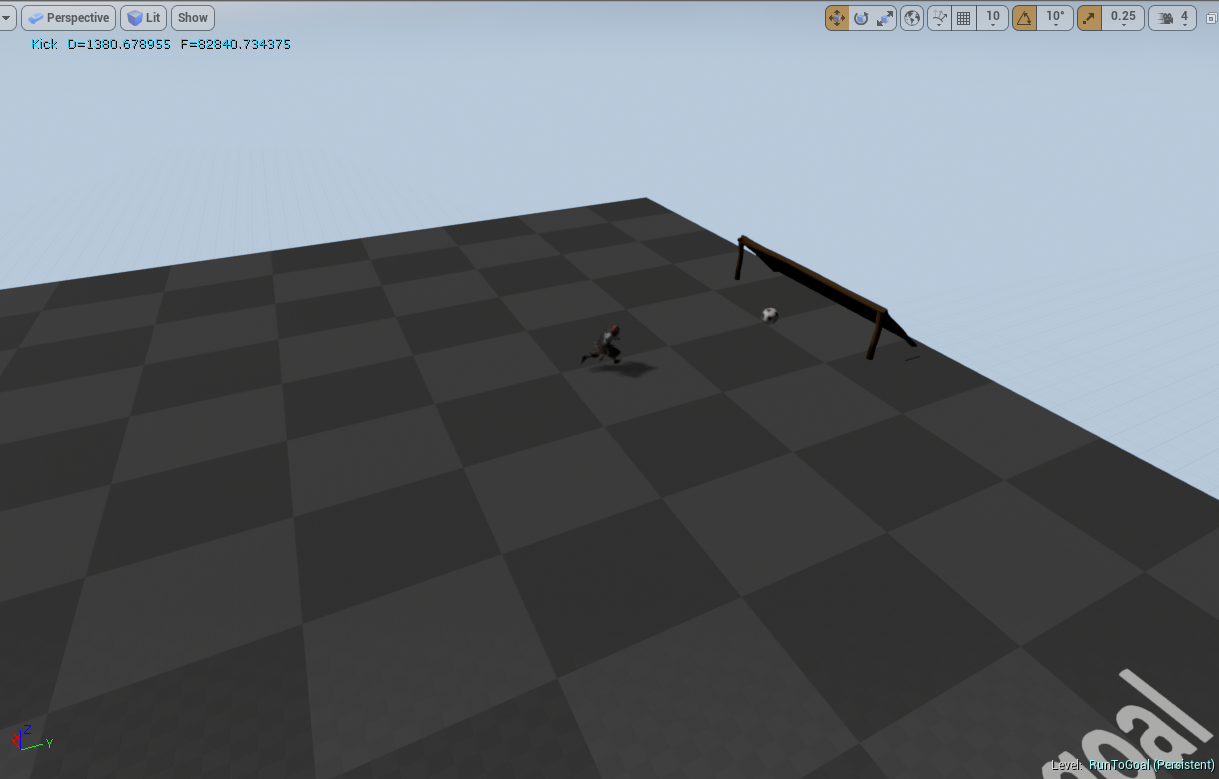
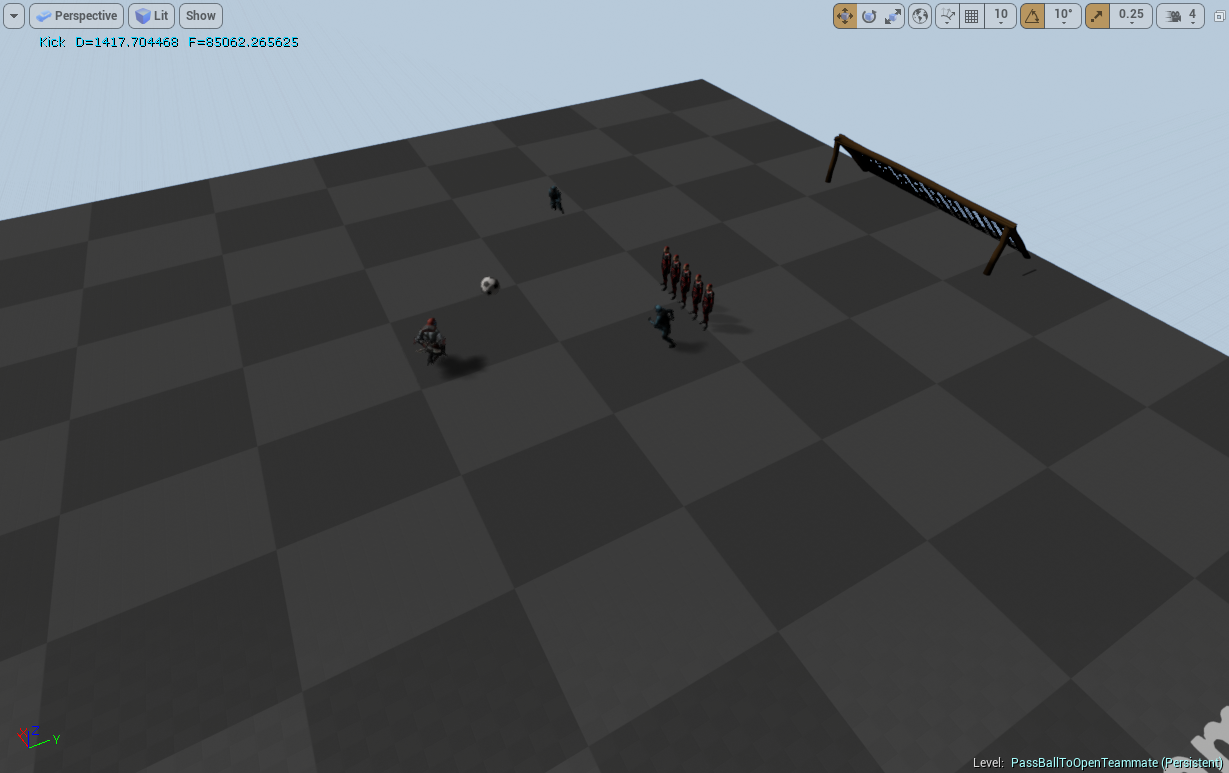

I'm aware that in Test-Driven development one is supposed to write unit tests first rather than later...so to all you developers I've offended out there by writing them last: Deal with it! Posted Image
Final Product
Here are some screens and a video of more test scenes and a single team on a field. The screens go in progression from the start of the simulation to the end:
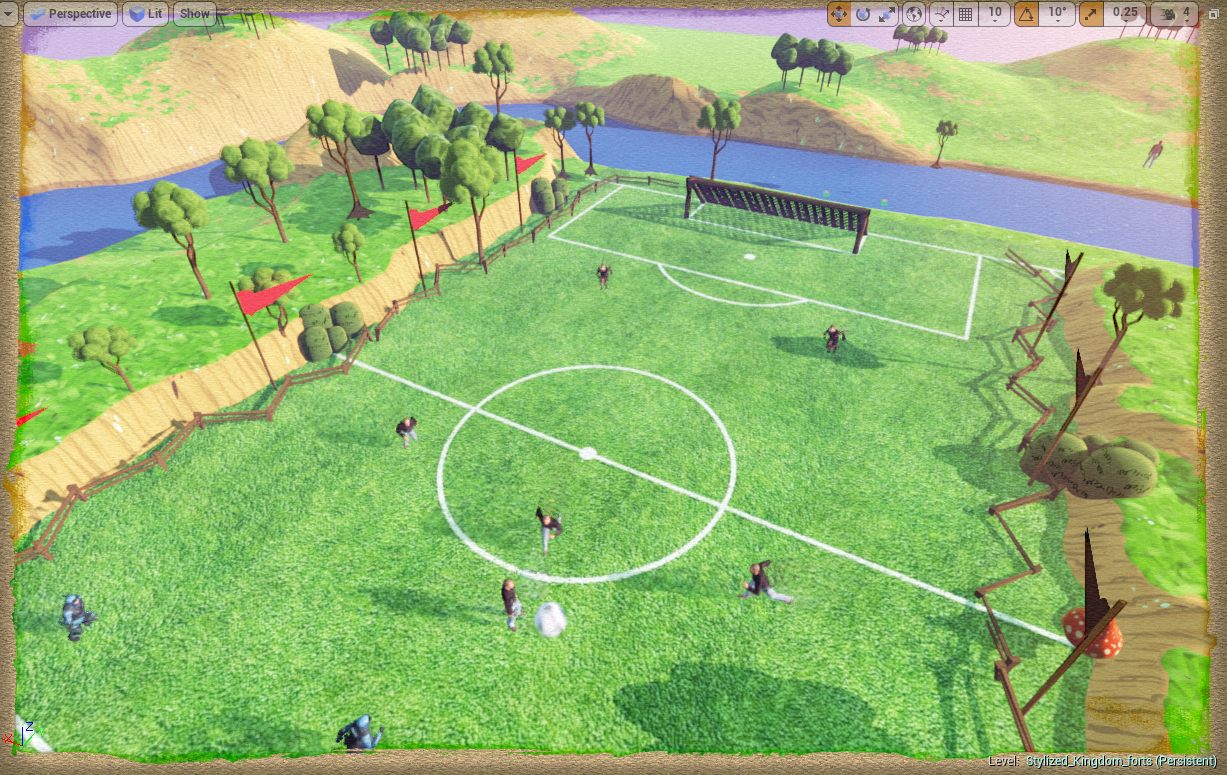
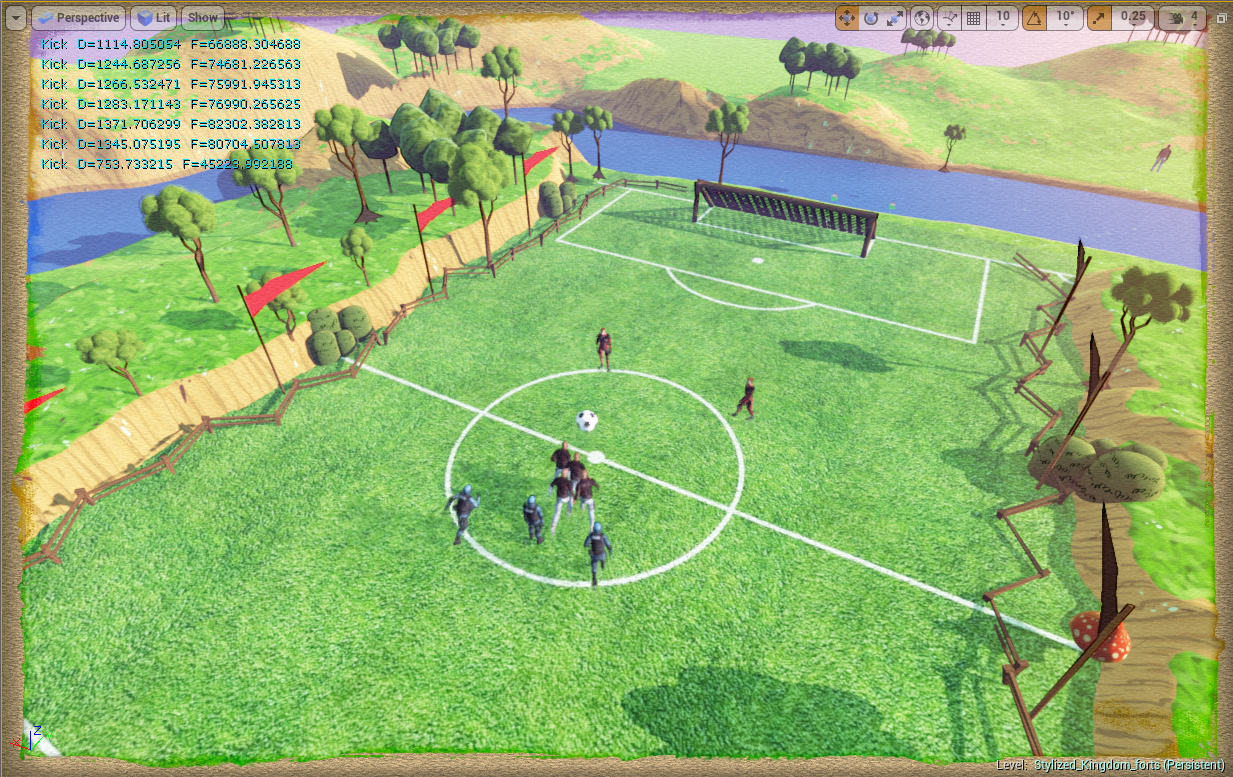
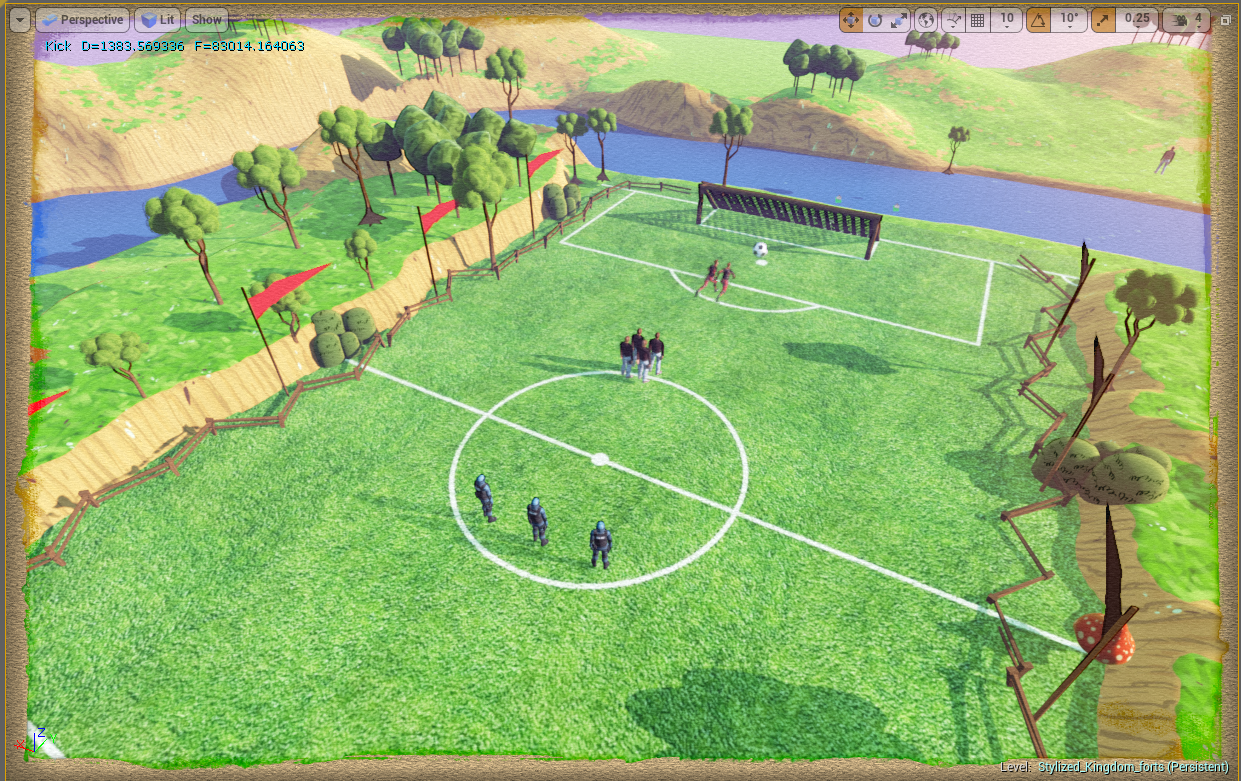
Implementation concerns
- In the game the tree traversal always goes through all child nodes instead of stopping at the first one whose decorator returns true. I need to fix that.
- I created a class inherited from GameMode as a hub for global functions and variables (such as the soccer ball). I suspect I'm not supposed to do this but I don't know a better place for them.
- In each task I cast the owning actor input variable to an AI controller, then call GetControlledPawn, then cast that result to a BotTeammate to get the actual character on the field. It seems like a lot of work to get access to that character class...
- I really wanted the human characters and bots to have identical interfaces so I wouldn't have to do "if (bot) {} else if (player) {}" branches, but haven't figured out how yet.
- The editor recently acquired an incessant desire to rebuild the navigation area every time I start a simulation. It happens after a fresh launch of the editor after I start modifying blueprints.
- This: Answers.unrealengine.com . I resolved my issues by having traces only look for pawns. If I ever decide to add static obstacles to the field I'll have to come back to this.
What's next?
Now that I'm satisfied I can develop a basic soccer simulation, the next step is to start designing the game as a whole. As I wrote previously, I intend to have opposing players fight each other for ball possession. Fighting may include melee attacks, ranged attacks, and magic. It may involve launching attacks from a distance, or even team tactics where one player freezes an opponent before the other launches a localized lightning storm at them.
There's also the matter of letting players accumulate resources to spend on armor, weapon and skill upgrades for themselves and their bot teammates. At first I was thinking a Warcraft 3-like deal where you build structures and kill creeps...but decided it would make more sense to have creeps on the field and possibly special item shops (concession stands) on team sidelines. Regular shops could appear in-between matches. Should I have player leveling? Should I allow for instant action matches where all players start at the same level and no items for a competition of pure skill?
There's even the matter of configuring the bot teammates: Team captains could arrange the bot positions in defensive or offensive formations as well as define the aggression level for each bot. Perhaps a team captain would prefer that human players pursue the ball while bots do nothing but attack enemy players for example.
I should probably find some people to help me design all this; preferably those who have a lot of experience with MOBA's and balancing.
Check out my homepage and social feeds


And my projects!


While in-between major projects that use the Unity game engine, I decided to give the Unreal Editor a spin to see what all the hype was about. For those of you who just want to see the cool stuff first, here's a video of my first playable Gauntlet-like dungeon crawl prototype finished in about twenty five hours of work.
The assets were all imported from Unreal's marketplace. All I did was put everything together.
Getting Started
After getting through the first hour of "I have no idea what is going on" and then watching Unreal's tutorial videos, I started setting little goals for myself to learn how to do things. The first of these was figuring out how to turn off "Realtime" editor rendering since I didn't like my computer fans going full blast while I was idle. The second was to resign myself to do something simple yet neat looking.
Spotlight Test
My first accomplishment was adding a spotlight to a third-person tutorial scene and having it follow the player character. If the character stood on top of a button, the spotlight would turn off. If they got off, the spotlight turned back on. I briefly thought about developing an evade/infiltrate kind of game, but was more interested in making my own Mineralz/LoL/Tower Defenese game that took place in the old Wild West. Lets just call it "Lone Star Guns."
Lone Star Guns

The next accomplishment was prototyping the home base for Lone Star Guns. The heart of the base was a campfire. Surrounding the base and taking up most of the playfield would be rocks that you carve out to expand your base and create additional lanes for enemy zombies to come in from (thereby relieving pressure on the default lane). For prototyping purposes, I added only a few rocks around the base. There are also three resources you can have workers "mine" from: Food (crops), wood (trees), and a mine (metal). My interest faded after making a basic inanimate scene; I felt like I was borrowing too many ideas from other games and I wasn't doing any serious development anyway. I then decided to help my friend with a prototype for his version of "Gauntlet" by creating my own prototype first.
Gauntlet Clone
I set a goal to make my Gauntlet prototype resemble a Diablo 3 level. This was done by creating a landscape and carving out paths in it. I failed to make the landscape look like the bottom half of a cave (I'm pretty sure it wasn't designed for that) so I did a Google search for anything related to the Unreal Editor and caves. Lucky me, I found that Unreal had a Cave Effects demo on their marketplace. It was beautiful, and I wanted those assets in my scene! As I downloaded it I also noticed the Mixamo Animation Pack for character prototyping on the marketplace as well...PERFECT.
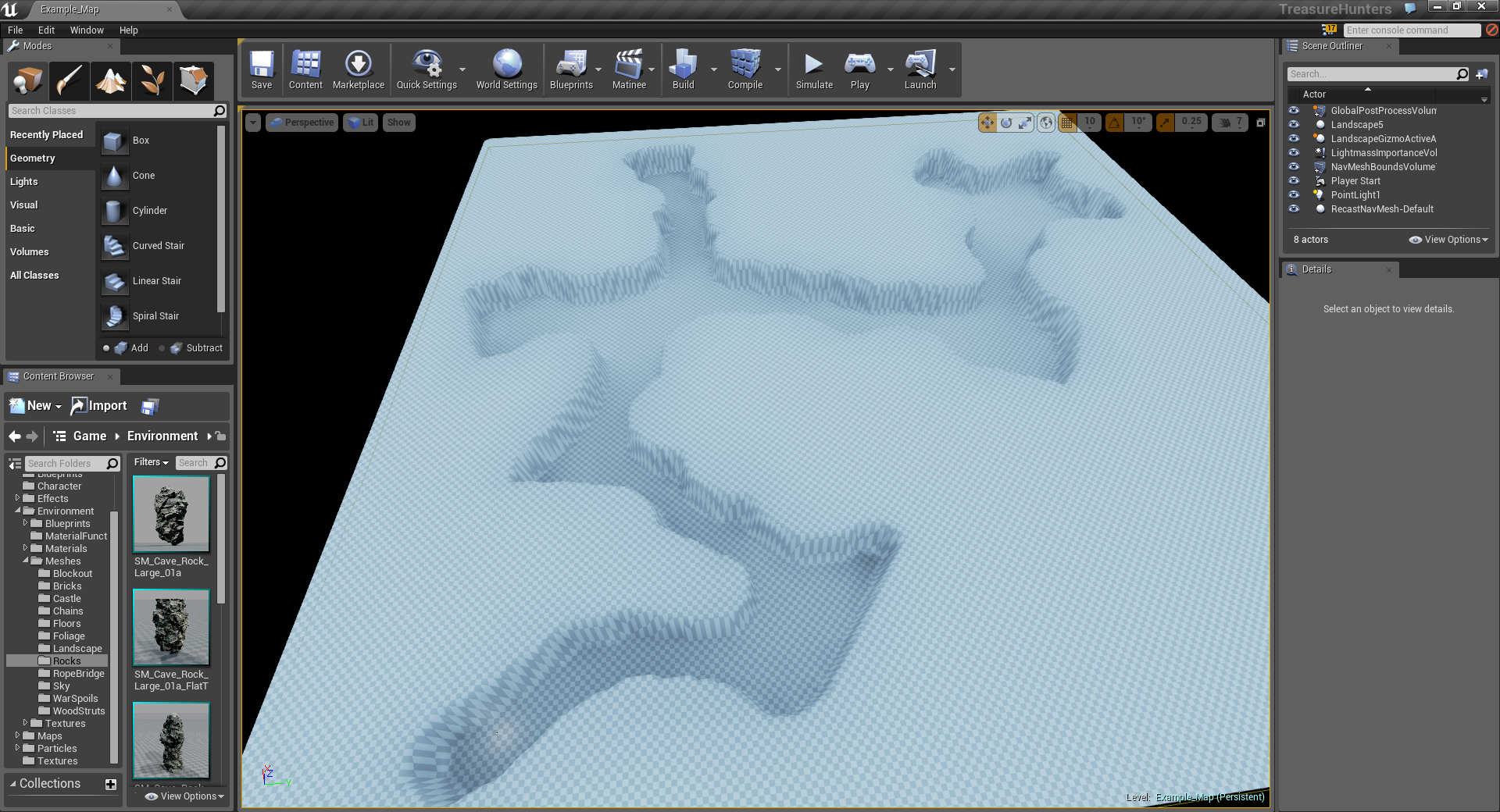
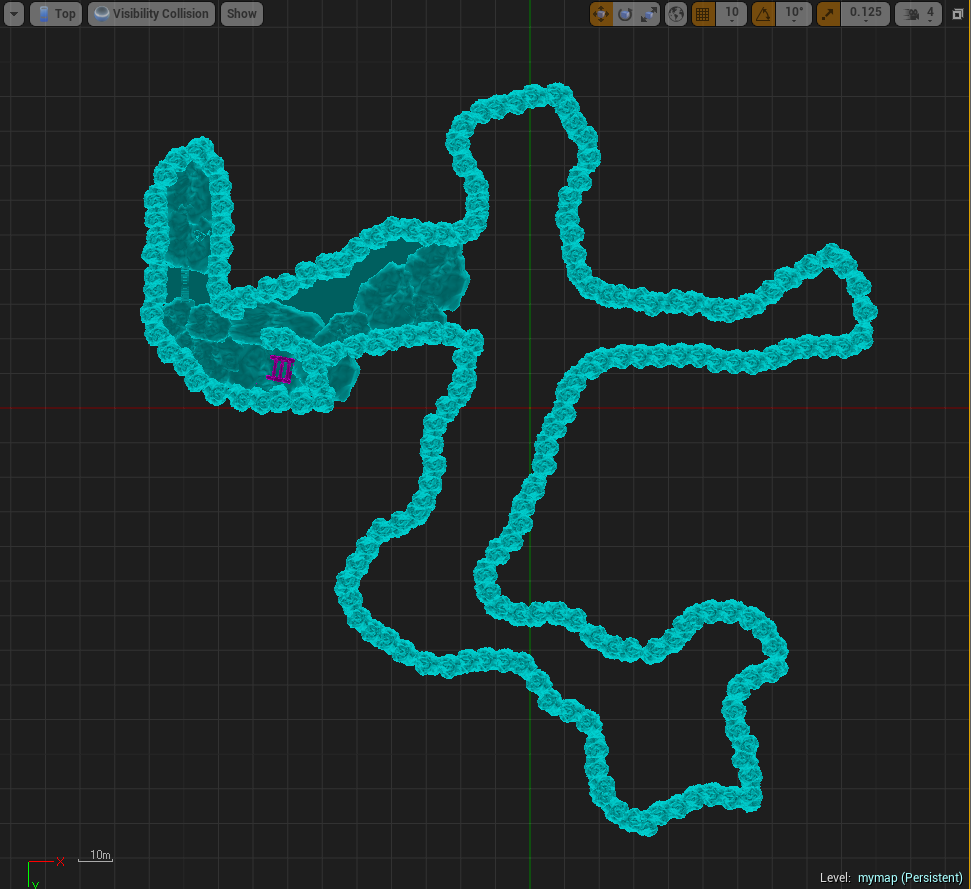
To keep a long story short: I replaced the landscape with a collection of rocks, added neat looking particle effects and materials all over the place, figured out how to make a flaming sword and put it in a character's hand, make the character throw fireballs, and make enemies spawn and get hit by fireballs.
After about twenty-five hours of playing with the Unreal Editor since installing it, I actually had a functional gauntlet-like prototype! I admit I took a real hack-and-slash approach to learning, but I wanted to see what I could accomplish by tinkering with the Unreal Editor at my own pace.

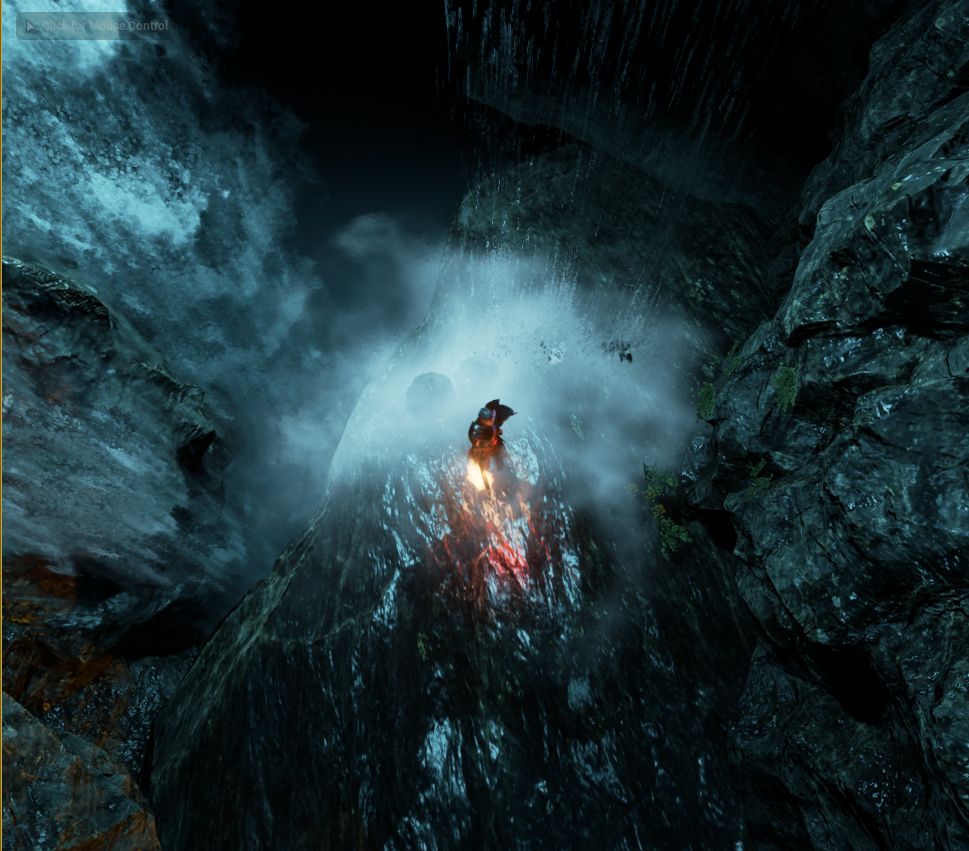
What's next?
Though I'm tempted to finish developing a game in Unreal, I'll be going back to Unity development once the studio I'm working with finalizes the design document for the new Paper Cowboys. Until then I'll probably do one or more of the following in my free time:
- Look at what other features UE4 has to offer and put them in my own list with two measures: One for "difficulty level" and one for "coolness factor."
- Look at UE4's asset importing. I'd like to know more about what file formats it supports and its thought process when importing meshes with textures
- Learn more about materials and particle systems
- Learn more about landscape generation
- Create some basic AI
Check out my homepage and social feeds


And my projects!


The focus of this journal entry is on how I integrated In-App purchase capabilities into my Unity game. I'm not going to discuss strategies for earning money from players, or how I used the IAP assets once they were integrated.
Unity Setup for Zaubersee
I began by purchasing a Windows Phone 8 IAP Unity package by Zaubersee at Assetstore.unity3d.com to get things going. Like with other third-party Windows Phone 8 assets I've used, it didn't work out of the box. I also struggled a bit with my interpretation of the documentation. After creating a new Unity test project, importing the asset, and deploying to my Windows Phone, I got this error in the status window of the demo scene:
Exception from HRESULT: 0x805A0194
I overcame this error by submitting the test project as a beta app to the Windows Phone Dev Center. I believe the asset developer tried to explain this in the documentation, but I thought that submitting a beta version of the app was merely a suggestion.
Here's what I did to build a functional test project:
- I created a beta version of Hamster Chase on the Windows Phone Dev Center.
- For the beta version, I made a duplicate of every In-App product that already existed for the main version. I used the same product ID's.
- I made a new Unity project, imported the In-App purchase asset, and built the project for Windows Phone 8.
- I opened VS 2013 to the Windows Phone 8 project I built from the previous step, then opened WMAppManifset.xml under the Properties folder.
- I went to the packaging tab and updated the ProductID and PublisherID values to be those of Hamster Chase Beta.
- I made a Master build of the app, and submitted it to Windows Phone Dev Center. I made absolutely sure it was a beta, and not an app to be shown in public.
- About an hour later I got an e-mail from Microsoft with the download link. I went there from my phone, installed the app, and the purchases worked!
- Cleanup: From my phone, I went to the home screen, then Apps, then Games to find and uninstall the test app.
Taking this idea a step further, I opened the VS 2013 project for the real Hamster Chase, set the product ID to be that of the beta app, and then deployed it in debug mode to the device.
Since the test app worked well, I figured it would work the first time in my game...but it did not. The app crashed after the app was restored upon me dismissing Microsoft's purchase screen.
My guess is that in the onWP8inAppPurchased callback, I wasn't supposed to do stuff with Unity objects like changing TextMesh text values or calling Transform.GetChild(). I proceeded to move all that code into a function called DoStuffAfterPurchaseFinished(), and then I call Invoke("DoStuffAfterPurchaseFinished", 0.2f) within the callback. The crash went away after that.
Unity Setup for Prime31
I was about to move on entirely when I discovered that Prime31 was offering a free Windows Phone 8 In-App package (while the offer lasted) at Prime31.com . I've worked with Prime31's assets before, and I like their brand.
I decided to make a test app with Prime31's IAP package. Using the lessons learned from integrating Prime31's WinPhoneAds package and the Zaubersee package; I was able to quickly get a functional Prime31 In-App demo app.
I then imported the Prime31 package into the official Hamster Chase app, and tested it. To my surprise, I had the same crash I had with the Zaubersee asset when trying to manipulate GameObjects within the purchase completion callback. As before, the Invoke workaround made the crash go away.
Conclusion
In the end I got both the Zaubersee and Prime31 assets to work; but I decided to stick with the Prime31 asset primarily out of brand loyalty and the expectation of continued upkeep.
Check out my homepage and social feeds


And my projects!


Profile


Popular Blogs