
Introduction:
This is a basic introduction for mapping for HaloRTS, By the end of this Tutorial you should be able to make a basic map for our mod and with the addition of tiberium command and conquer 3
During this Tutorial i will be using images to show the tools they will be scaled down to fit but they can be found at S701.photobucket.com
 This Here is the Main Tool Bar for The C&C3 Worldbuilder during his tutorial i will be referring back to this tool bar, i will also be colouring important information in red
Starting Your Map:
When your first start your map you will need to know how many players you want to add, C&C3 allows for 2-8 players and a maximum map size of 750x750
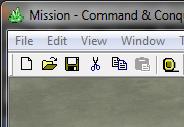
To start a New map click the Icon that is to the left of the folder icon
that will bring this up:
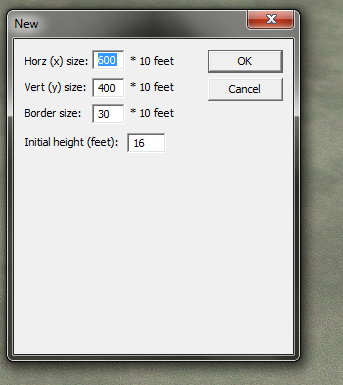
This Input box is the Most Important when you first start as it decides how big you want to make your map:
2 Players: 252x250
4-6 Players: 350x350
8 Players: 450x450
Your maps can be bigger and we do suggest it as HaloRTS includes some large Units (scarab ect)
Adding The Terrain Features and Textures:
Now that you have your map set up its time to add some features to it, to do this go to the Terrain Tool:
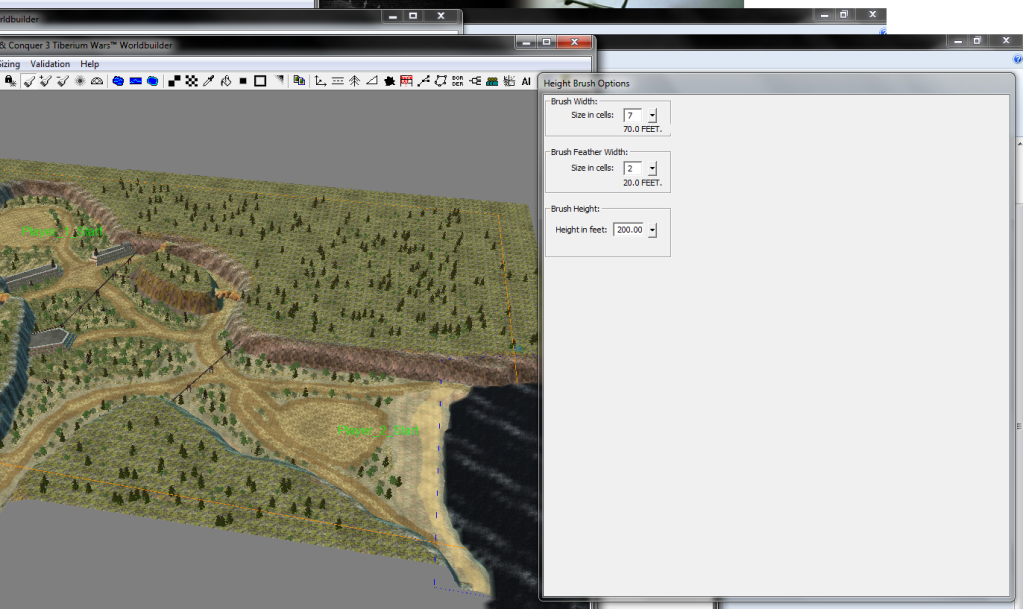
This gives you Three Options: Brush Width, Brush Feather Width and Brush Height
These options allow for the change in the height of the map in places such as adding hills or cliffs, you are best to experiment with these options
The Next Tool after Creating Your Terrain Features is textures
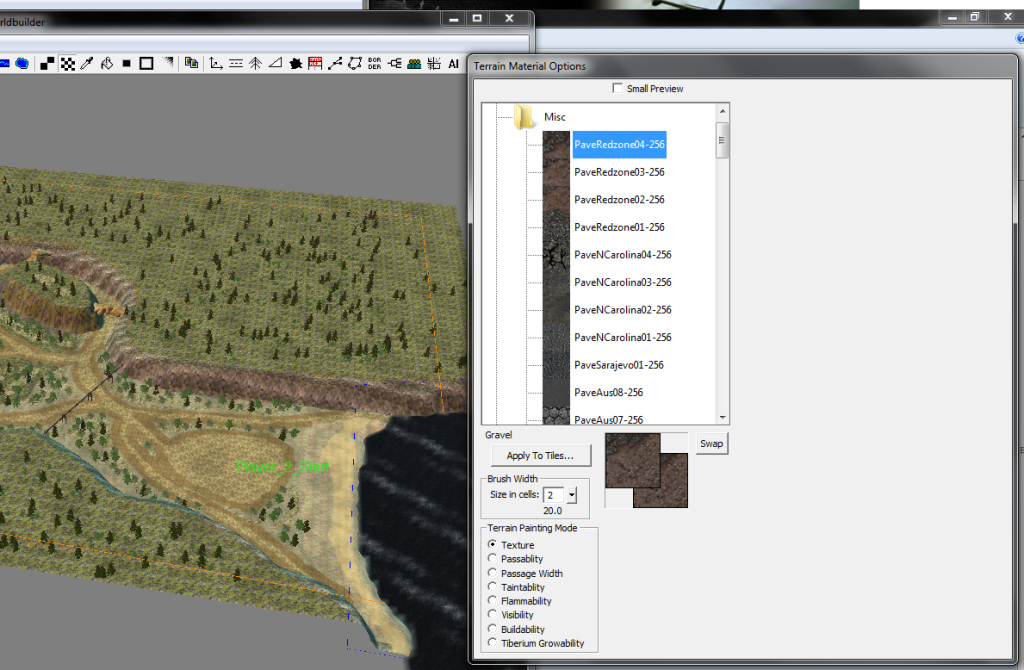
The Brush Width controls the Size of the tiles you will be adding textures to, once again have a play with these, but do not add to many textures to a map or you will get a drop in frame rate in C&C3
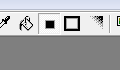
Once You have added textures you will notice that they do not blend together to fix this click this
Adding Players and Structures To Your Map:
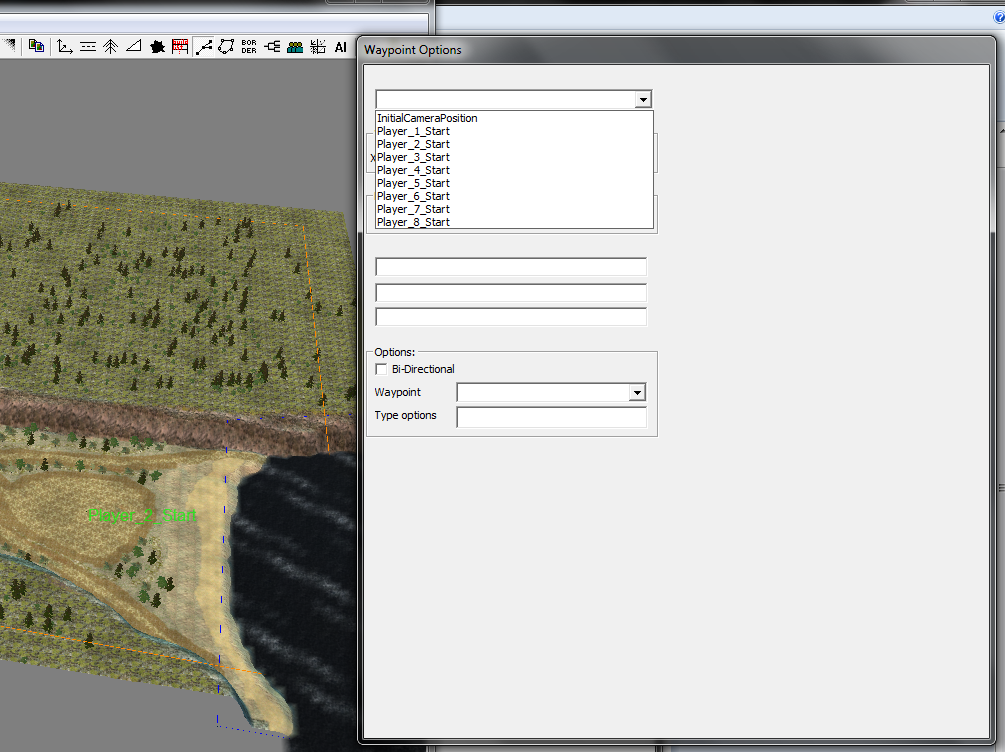
Now that you have some terrain and textures in your map it is time to add some players to it, to do this go to File > Edit Player List > Add Skirmish Players and then you will need to add the player's start positions by going to the icon that looks like three dots/squares and placing a way point on the spot you wish to have that player start in naming it Player_1_Start (this is available in the list of Name's)
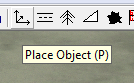
Structures are Not Very Important in HaloRTS as adding the Structure we include is not important in making the map but if you wish to add default structures then go to the icon that looks like
this will bring up this window V
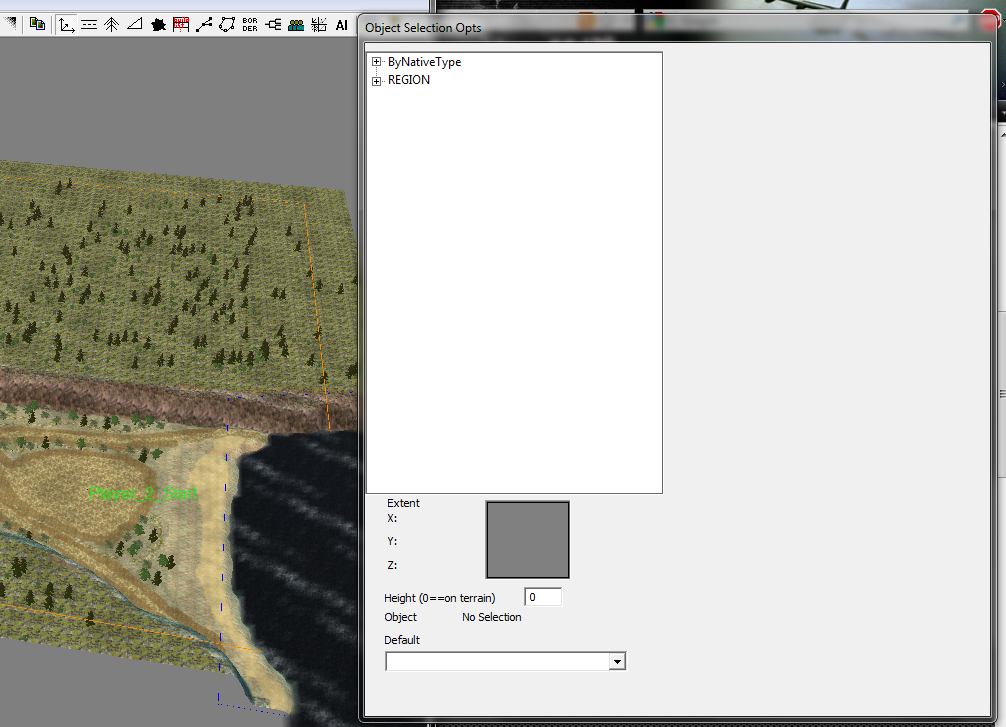
Have a play with this and experiment with object placement:
Finishing Your map:
That is all you need to know about making maps for C&C3 and HaloRTS so it is now time to save, to do this click the floppy Disk icon
Name your map and click ok doing this will automatically add your map to the game.
NOTE: The Mini Map will be Very Dark and there is a way to fix it but i will not explain it but i will add it to the links at the end of this tutorial:
Thanks for viewing this Tutorial and if it was confusing I'm sorry but trying to explain the program is not easy, it would be easier do do via video but i do not have a program to recorded my desktop. also if you want to send your map the go to C:\Users\User\AppData\Roaming\Command & Conquer 3 Tiberium Wars\Maps this is where the maps are found for C&C3, the second user will be different for you. all you need to do now is copy your map to a zip or rar file and send it to us or your friends
LINKS:
Cncmaps.com = This is a Very good site to get help in making maps for the C&C games
Cncmaps.com = How To Fix The Black Radar Map Problem
S701.photobucket.com = images used in this Tutorial
madiba127.studios@gmail.com = Send Your maps to us



very good work bro! :D
thanks :)
I always likes CNC mapping, easy to get to use.
that it is, C&C3 and above are easy as you don't need to worry about AI
is there any way to import textures?
yes i will be posting that soon, just give me time
Thankyou! I saw the tut :D